1
Contents
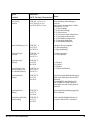
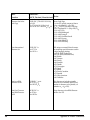
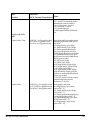
Introduction ............................................................................................................. 1
Chapter 1: Installation ........................................................................................... 3
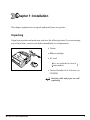
Unpacking ................................................................................................................... 3
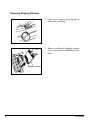
Removing Shipping Retainers ........................................................................ 4
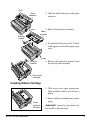
Installing Ribbon Cartridge ...................................................................................... 5
Making Connections .................................................................................................. 6
Connection with Computer ............................................................................ 6
Connection with Power ................................................................................... 8
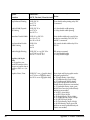
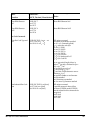
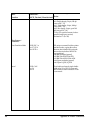
Chapter 2: Loading Paper ...................................................................................... 9
Loading Single-Sheet Paper .................................................................................... 11
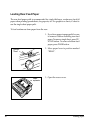
Loading Rear-Feed Paper ........................................................................................ 14
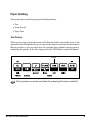
Paper Handling ......................................................................................................... 21
Tear Feature ..................................................................................................... 21
Forms Tear-off Feature .................................................................................. 22
Paper Park Feature ......................................................................................... 22
Switching Paper Paths ................................................................................... 23
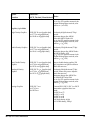
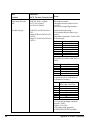
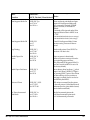
Chapter 3: Operation ............................................................................................ 25
Control Panel ............................................................................................................. 25
Print Mode ................................................................................................................. 27
Indicator Lights .............................................................................................. 27
Buttons ............................................................................................................. 28
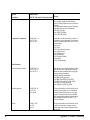
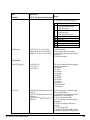
Menu Mode ............................................................................................................... 32
Sample Menu .................................................................................................. 33
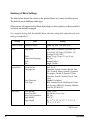
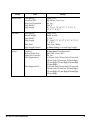
Summary of Menu Settings .......................................................................... 34
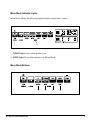
Menu Mode Indicator Lights ....................................................................... 37
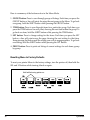
Menu Mode Buttons ...................................................................................... 37
Resetting Menu to Factory Defaults ............................................................38