1
Getting to Know Nikon Capture 4 Camera Control
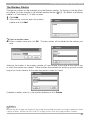
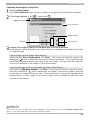
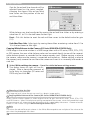
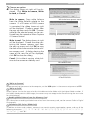
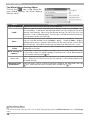
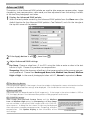
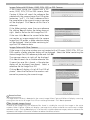
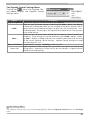
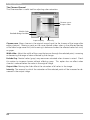
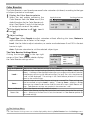
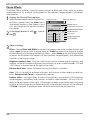
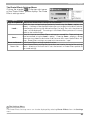
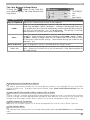
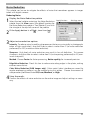
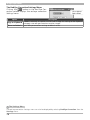
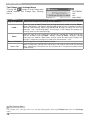
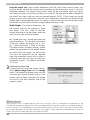
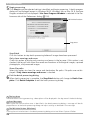
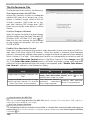
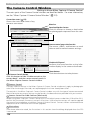
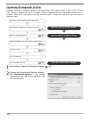
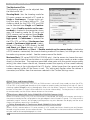
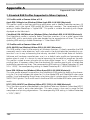
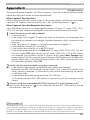
The Storage Tab
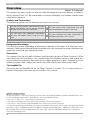
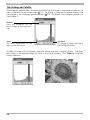
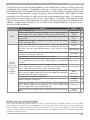
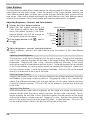
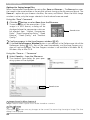
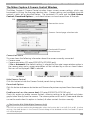
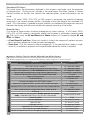
The following settings can be adjusted from
the Storage tab:
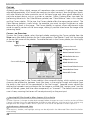
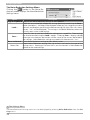
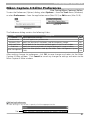
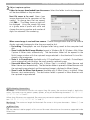
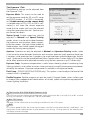
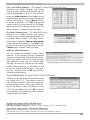
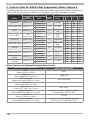
Data Format: The following data formats
are available: RAW (12-bit) + JPEG (8-bit)
(D2 series/D200/D70s/D70/D50 only), RAW
(12-bit), TIFF-RGB (8-bit) (D2 series/D1
series/D100 only), TIFF-YCbCr (8-bit) (D1
series only), and JPEG (8-bit). This setting
determines pixel bit depth and file size.
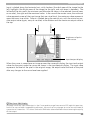
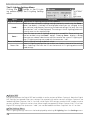
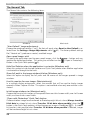
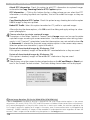
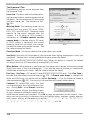
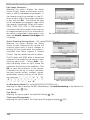
JPEG Quality: When data format is set to
JPEG (8-bit), you can choose image quality
from Fine, Normal, and Basic. When RAW
(12-bit) + JPEG (8-bit) is selected with the
D2 series and D200, image quality can be selected from Fine, Normal, and Basic. When
RAW (12-bit) + JPEG (8-bit) is selected
with the D70s, D70, or D50, image quality is
fixed at Basic.
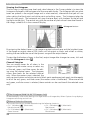
D70
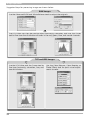
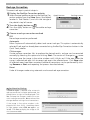
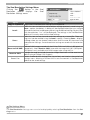
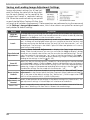
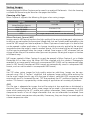
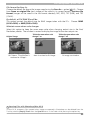
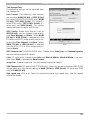
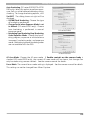
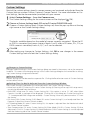
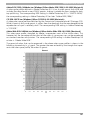
JPEG Compression (D2X/D2Hs/D200 only): Choose from Fixed size and Optimal quality.
See the camera manual for details.
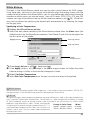
Color (D1 series only): Choose from Color and Black & White. Black & White is not available when RAW is selected for Data Format.
Image Size: Choose image size. See the camera manual for details.
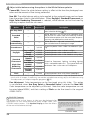
RAW Compression ( D2 series/D1x / D1H /D200 only): Check this option to compress NEF (RAW)
images taken at a data format setting of RAW (12-bit) + JPEG (8-bit) (D2 series and D200
only) or RAW (12-bit).
High-speed crop (D2X only): Select this option to enable high-speed crop. See the camera
manual for details.
127