1
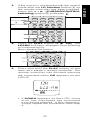
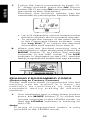
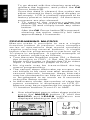
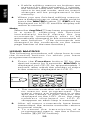
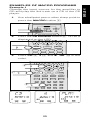
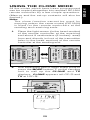
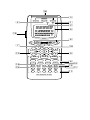
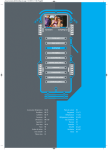
Select 1 of the LD function button on the
copy source. Press the LD function
button ,, and then press 1 on the tenkey pad ⁄7 for 3 seconds.
The display at LCD B changes from LD to
1, and the characters "1" stops blinking
and remain lighted.
"CPY←" appears at LCD A.
DVD
CD
q
LD
w
4.
VCR
AUX
TUNER
TAPE
AMP
GUIDE
MUTE
THX
DTS
HALL
2
3
4
5
MATRIX
MOVIE
2CH
OSD
SLEEP
6
7
8
9
0
CLEAR
MEMO
AUTO
DOLBY
1
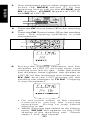
The copy source has now been
established.
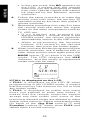
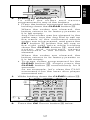
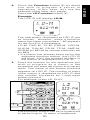
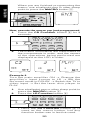
The copy destination is selected next. Press
the DVD function button ,, and then press
1 on the ten-key pad ⁄7 for 3 seconds.
The character "1" stops blinking and
remain lighted.
q
w
CD-R/MD
TV
DSS
DVD
CD
CD-R/MD
DSS
TV
VCR
AUX
LD
TUNER
TAPE
AMP
CLEAR
MEMO
AUTO
DOLBY
GUIDE
THX
DTS
MUTE
HALL
1
2
3
4
5
MATRIX
MOVIE
2CH
OSD
SLEEP
6
7
8
9
0
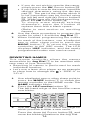
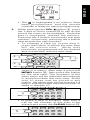
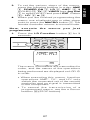
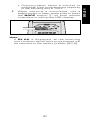
When copying finishes, the OK display
appears at LCD A.
"CPY→" appears again at LCD A.
Now repeat steps 3 and 4. When copying
is completed, press the MODE button z
and call up the USE display.
33
ENGLISH
3.