1
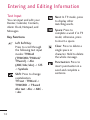
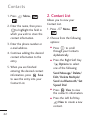
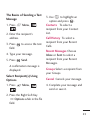
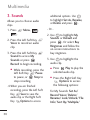
The Basics of Sending a Text
Message
1. Press
.
Menu,
,
2. Enter the recipient's
address.
3. Press
field.
to access the text
Send.
A confirmation message is
displayed.
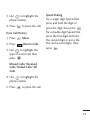
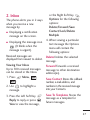
Select Recipient(s) Using
Options
1. Press
.
Menu,
Call History To select a
recipient from your Recent
Calls.
Recent Messages Choose
Inbox or Sent to select a
recipient from your Recent
Messages.
4. Type your message.
5. Press
3. Use
to highlight an
option and press
.
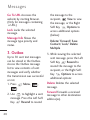
Contacts To select a
recipient from your Contact
List.
,
Groups Select a recipient from
your Groups.
Cancel Cancels your message.
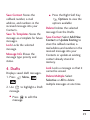
4. Complete your message and
send or save it.
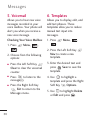
2. Press the Right Soft Key
Options while in the To
field.
25