1
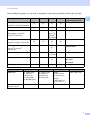
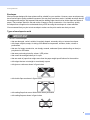
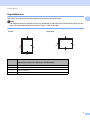
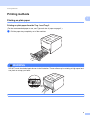
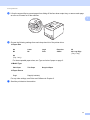
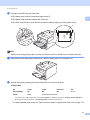
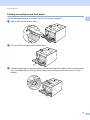
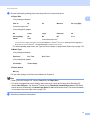
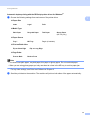
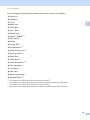
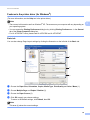
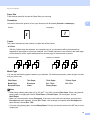
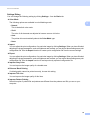
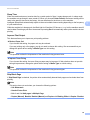
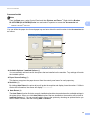
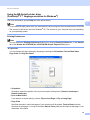
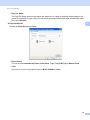
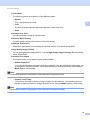
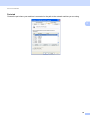
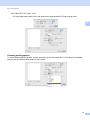
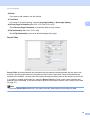
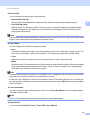
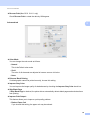
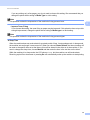
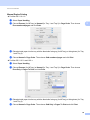
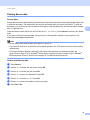
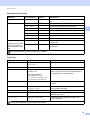
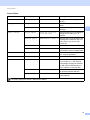
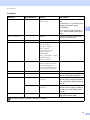
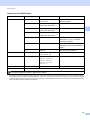
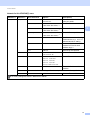
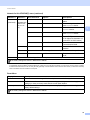
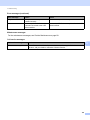
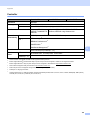
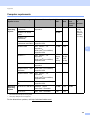
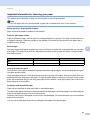
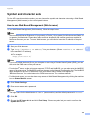
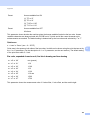
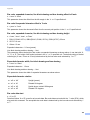
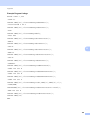
Printing Methods Automatic duplex printing with the BR-Script printer driver for Windows® a 1 1 Choose the following settings from each menu of the printer driver. Paper Size Letter Legal Folio Recycled Paper Thin Paper MP Tray Tray 2 (if available) Media Type Plain Paper Glossy Paper (MP Tray only) Paper Source Tray 1 Print on Both sides Flip on Short Edge Flip on Long Edge Page Order Front to Back Back to Front Note • You should use plain paper, recycled paper, thin paper or glossy paper. Do not use bond paper. • When you are using glossy paper, put only one sheet at a time in the MP tray to avoid a paper jam. For any other settings, see Driver and Software in Chapter 2. b Send the print data to the machine. The machine will print on both sides of the paper automatically. 21