1
Solo
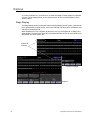
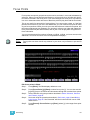
The solo function can be used to suppress the levels of unselected channels. This is helpful
if you want to temporarily change the stage look to just a few channels, or record a cue,
group or submaster containing only a few of the channels in the current stage look.
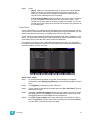
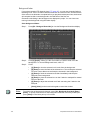
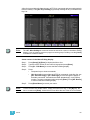
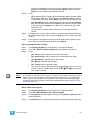
Set levels using [S3 - Solo]:
Note:
94
Step 1:
Select channels using the procedure described in Select Channels, Dimmers
and Fixtures, page 86.
Step 2:
Set levels using the procedure described in Set Levels, page 89.
Step 3:
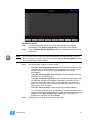
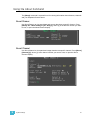
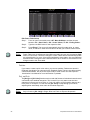
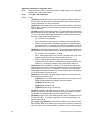
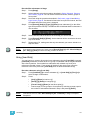
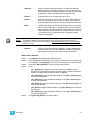
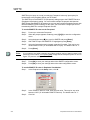
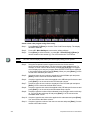
Press <S7 - More Softkeys> [S3 - Solo]. In Stage and Fader, all unselected
dependent channels will be temporarily set to zero level. In Blind, all unselected
channels will be set to zero level.
Step 4:
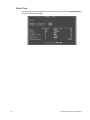
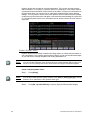
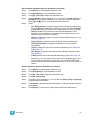
In Stage, press [S3 - Solo] again to restore levels for unselected channels. In
Blind, press [Release] to restore recorded levels.
In Blind, pressing [S3 - Solo] again clears all levels, regardless of channel selection.
Emphasis Console v2.0.0 User Manual