1
16
Packaging GUIs as Apps
Dependency Analysis
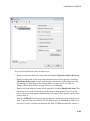
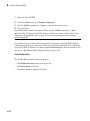
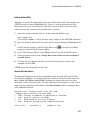
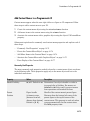
When you create an app package, MATLAB analyzes your main file and attempts to
include all the MATLAB files that it uses in the app package. However, MATLAB does
not guarantee to find every dependent file. MATLAB does not find files for functions that
your code references as strings (for instance, as arguments to eval, feval, and callback
functions). In addition, MATLAB can include some files that the main file never calls
when it runs.
Dependency analysis searches for executable files, such as:
• MATLAB files
• P-files
• .fig files
• MEX-files
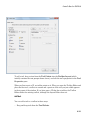
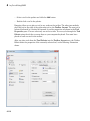
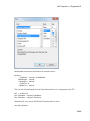
Dependency analysis does not search for data, image, or other binary files, such as Java
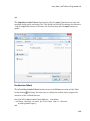
classes and .jar files. Add such files manually when you package your app. The Package
Apps dialog box provides an option for doing so.
16-10