1
34
Configuring Your Secure Web Server
2.5
Adding Modules to Your Server
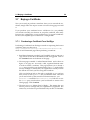
Since Apache 1.3 supports Dynamic Shared Objects (DSOs), you can easily load Apache modules or compile in your own modules to your secure
web server. DSO support means that modules may now be loaded at runtime. Since the modules are only loaded as necessary, they won’t use any
memory unless they’re loaded and less memory will be needed overall.
After installation of your server, check
http://www.yourdomain.com/manual/mod/ for documentation on
Apache modules in HTML format.
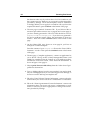
For your secure web server to use a dynamically shared module, that module must have a LoadModule line and an AddModule line in
httpd.conf. By default, many modules have these two lines already included in httpd.conf, but a few of the less commonly used modules are
commented out. The commented out modules were compiled in during
compilation, but they are not loaded by default.
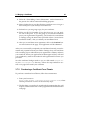
If you need to use one of those non-loaded modules, look in the httpd.conf
file to see all the available modules. Each of the available modules has a
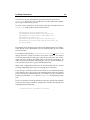
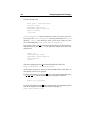
corresponding LoadModule line. To show you an example, the LoadModule
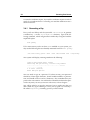
section begins with these six lines:
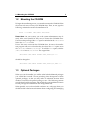
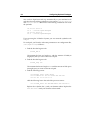
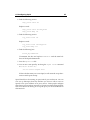
#LoadModule mmap_static_module lib/apache/mod_mmap_static.so
LoadModule env_module lib/apache/mod_env.so
LoadModule config_log_module lib/apache/mod_log_config.so
LoadModule agent_log_module lib/apache/mod_log_agent.so
LoadModule referer_log_module lib/apache/mod_log_referer.so
#LoadModule mime_magic_module lib/apache/mod_mime_magic.so
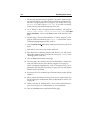
Most of the lines are not commented out, indicating that each associated
module was compiled in and is loaded in by default. The first line is commented out, which means that the corresponding module
(mmap static module) was compiled in but not loaded.