1
right page (91) of ME75 Condor FUG en, A31008-H6980-A1-1-7619 (09.11.2005, 16:25)
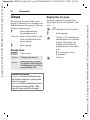
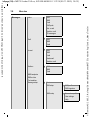
Setup
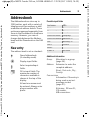
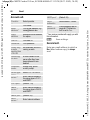
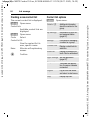
Security
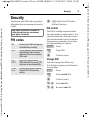
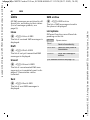
Only ‚
C ¢T¢Security
(PIN 2 or phone code protected)
Dialling options are restricted to
SIM-protected phone numbers in the
Phonebook. If only area codes are
entered, relevant phone numbers
can be added to these manually before dialling.
¢Select function.
© Siemens AG 2003, E:\Auftrag\Siemens\MobilePhones\ME75 Condor\en\fug\Condor_Security.fm
91
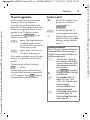
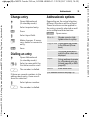
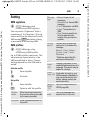
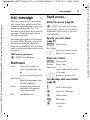
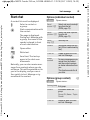
Auto key lock
If activated, the keypad is locked
automatically if no key has been
pressed for one minute in standby
mode. This prevents the phone from
being used accidentally. However,
you can still be called and you can
still make an emergency call.
Additional information
The keypad can also be directly locked and
unlocked in idle state.
In each case:
#
Press and hold.
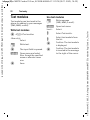
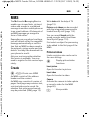
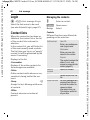
Direct call
(Phone-code protected)
Only one phone number can be
dialled (see also page 27).
b
If the SIM card does not support
PIN 2 input, the whole Phonebook
can be protected with the phone
code.
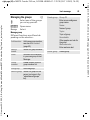
This SIM only
b
(Phone-code protected)
The phone can be connected to
a SIM card when the phone code is
entered. Unless the phone code is
known the phone will not operate
with a different SIM card.
If the phone is to be used with a different SIM card, enter the phone
code when requested.
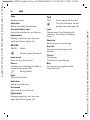
PIN codes
Description, see page 17:
PIN control, Change PIN, Change PIN2,
Chg.phonecode
Template: X75, 140x105, Version 2.2;VAR Language: en; VAR issue date: 050718
Setup