1
left page (19) of CX 65 Ulysses FUG en, A31008-H7100-A1-1-7619 (04.03.2004, 14:15)
19
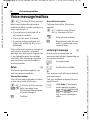
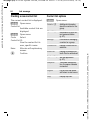
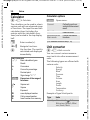
Text entry
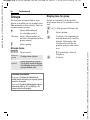
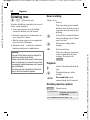
Text entry without T9
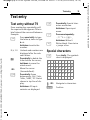
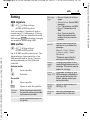
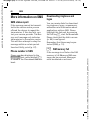
Press number key repeatedly until
the required letter appears. After a
brief interval the cursor will advance.
Example:
2
Siemens AG 2003, I:\Mobil\R65\CX65_Ulysses\en\_von_itl\fug\CX65_Text.fm
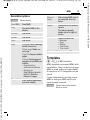
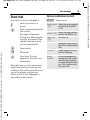
Ä, ä, 1–9
]
F
#
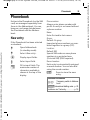
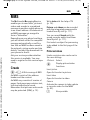
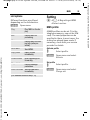
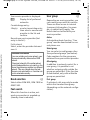
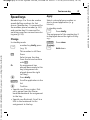
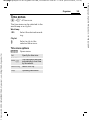
Press briefly: Special characters are shown.
*
Hold down: Open input
menu.
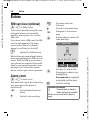
Press once/repeatedly:
Press once briefly to type
the letter a, twice to type
b etc.
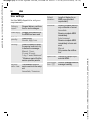
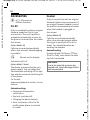
0
Hold down to write the
number.
1
Umlauts and numbers are
displayed after the relevant letters.
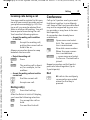
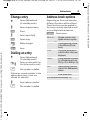
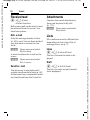
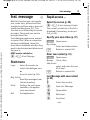
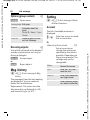
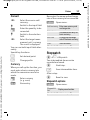
Special characters
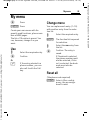
Press briefly to delete the
letter before the cursor,
hold down to erase the
whole word.
Move the cursor
(forwards/back).
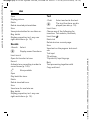
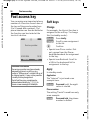
Press briefly: Swap
between abc, Abc, T9abc,
T9Abc, T9ABC, 123. Status
shown in top line of display.
Hold down: All inputvariants are displayed.
.,?!’"0+-()@/:_
Hold down: Writes 0.
Writes blank. Press twice
= jumps a line.
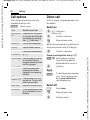
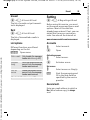
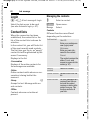
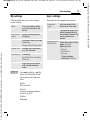
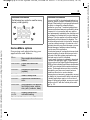
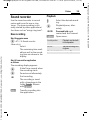
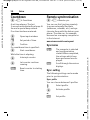
Press briefly. The symbols
chart is displayed
*
1)
¿
¡
_
;
!
?
,
.
+
-
"
’
:
(
)
/
*
¤ ¥ $ £ € & #
[
]
{
\ @
} % ~ < = >
| ^ § Γ ∆ Θ Λ Ξ Π
Σ Φ Ψ Ω
1) Line break
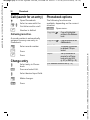
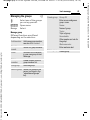
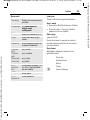
I, F
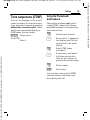
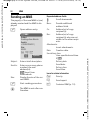
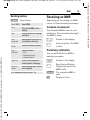
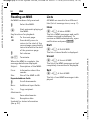
Navigate to characters.
§Select§
Confirm.
VAR Language: English; VAR issue date: 18-Februar-2004
Text entry