1
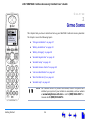
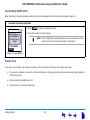
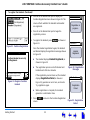
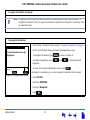
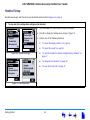
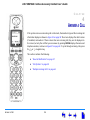
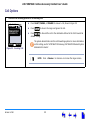
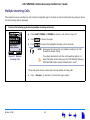
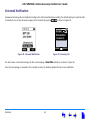
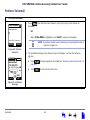
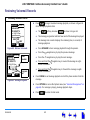
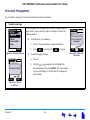
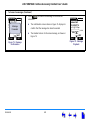
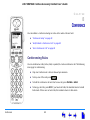
AT&T SB67040 Cordless Accessory Handset User’s Guide C HAPTER 4 ANSWER A CALL If the system receives an incoming call in Idle mode, the Handset rings and the incoming call information displays as shown in Figure 55 on page 59. The screen displays the caller’s name (if available) and number. If there is more than one incoming call, they are all displayed on the screen, but only the call that you can answer by pressing PHONE displays the name and telephone number, as shown in Figure 57 on page 61. To cycle through incoming calls, press the or navigation key. This section contains the following: Answer a Call “New Call Notification” on page 57 “Call Options” on page 59 “Multiple Incoming Calls” on page 61 56