1
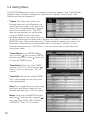
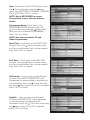
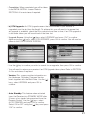
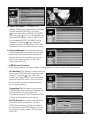
• SPDIF: The SPDIF (Sony Philips Digital
Interface) provided on this Receiver is via an
Optical Out socket. This option allows you to
choose between PCM, Bitstream or Mute.
Using the ( ) keys select SPDIF and press
“OK” to confirm. Again, using the ( ) keys,
select your preferred option and press “OK”
to confirm. The default is PCM (Pulse Coded
Modulation) this being the most common
mode used.
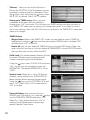
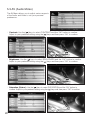
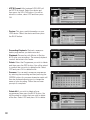
• SPDIF Delay: This useful adjustment enables
any delays in video processing to be
compensated for by injecting a delay in the
audio processing so that the two “match”.
Using the ( ) keys select SPDIF DELAY and
press “OK” to confirm. Use the ( ) keys to
adjust the delay between 0-250mS
depending on your equipment. Press “OK”
to confirm.
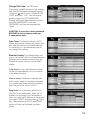
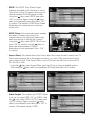
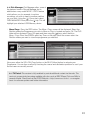
• Aspect Ratio: This feature allows the User to adjust the screen format to match their TV.
Please note however that in the higher resolutions, i.e., from 720p upwards the Aspect ratio is fixed at 16:9. If the Aspect Ratio is set to 576i then the user has a choice of 4:3 PS, 4:3 LB or 16:9.
• Using the (
) keys select Aspect Ratio, press the OK key to bring up available options. Then using the ( ) keys select your preference (576i only) and press OK to confirm.
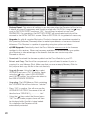
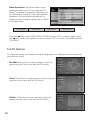
• Video Output: This enables the SCART Output
to be set to output RGB, YUV or CVBS. Using
the ( ) keys select VIDEO OUTPUT and press
“OK” to confirm. Again, using the ( ) keys,
select your preferred option and press “OK” to
confirm. The default setting is RGB.
23