1
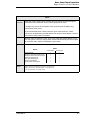
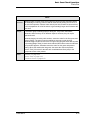
Tip Operations
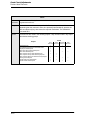
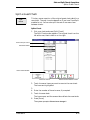
Pay Tips
Pay Tips
Tips
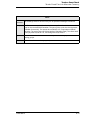
Paid
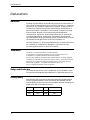
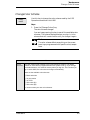
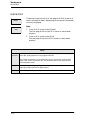
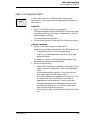
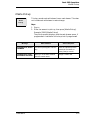
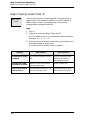
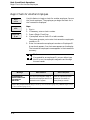
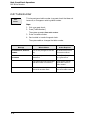
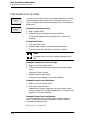
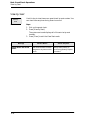
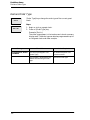
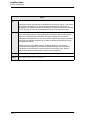
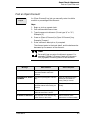
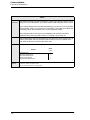
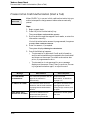
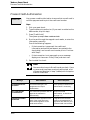
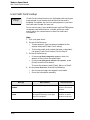
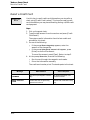
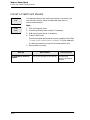
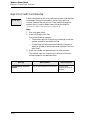
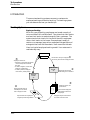
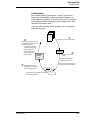
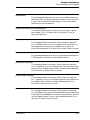
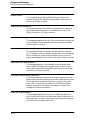
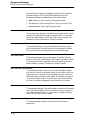
Use this key to pay an employee in cash the value of his or her
charged tips.
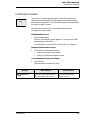
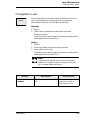
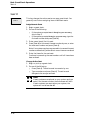
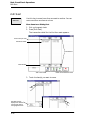
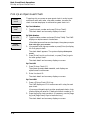
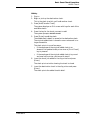
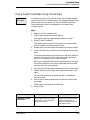
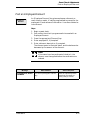
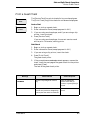
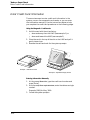
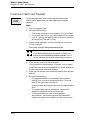
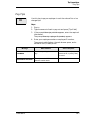
Steps
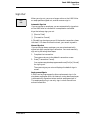
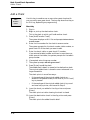
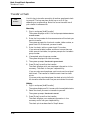
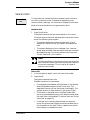
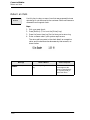
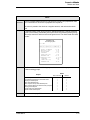
1. Sign in.
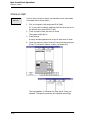
2. Type the amount of cash to pay out and press [Tips Paid].
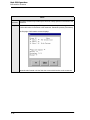
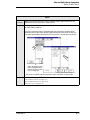
3. If the prompt Enter tips paid info appears, enter the required
information.
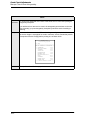
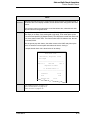
The prompt Enter tip employee ID (number) appears.
4. Enter your employee number or employee ID number.
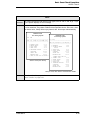
The amount paid displays, the cash drawer opens, and a
validation chit (if used) prints.
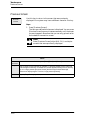
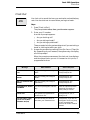
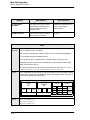
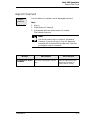
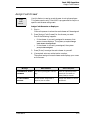
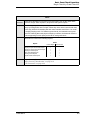
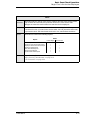
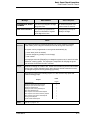
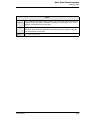
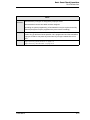
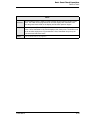
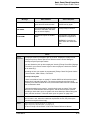
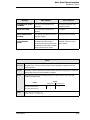
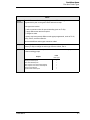
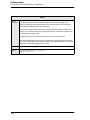
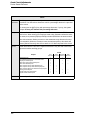
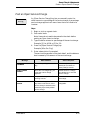
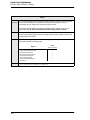
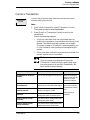
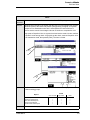
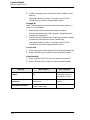
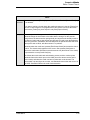
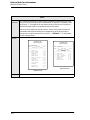
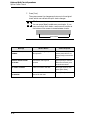
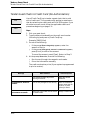
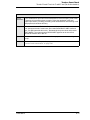
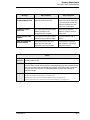
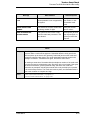
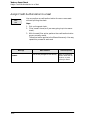
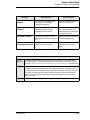
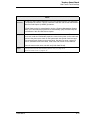
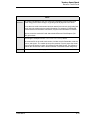
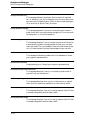
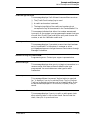
Message
What it Means
Action Required
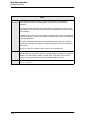
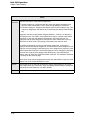
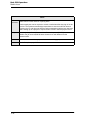
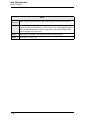
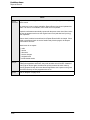
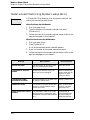
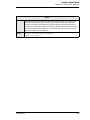
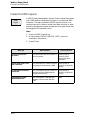
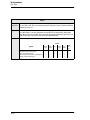
AUTHORIZATION, ENTER
ID NUMBER
You are not privileged to use this
key.
Have an authorized person
enter their ID, or press [Clear]
to cancel.
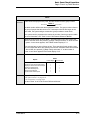
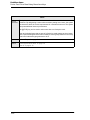
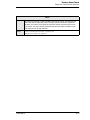
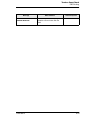
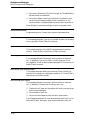
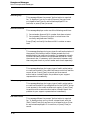
<CASHIER/SHIFT NAME>
ASSIGNMENT REQUIRED
Either you or the UWS must be
linked to cashier totals.
Assign a cashier link.
3700 User’s
10-7