1
Prompts and Messages
List of Prompts and Messages
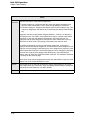
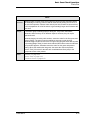
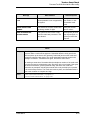
Employee open on <UWS name>
This message displays if you try to access a time card record (by
clocking in or out, by editing a time card, or by running a labor
report) and the time card is already in use for one of these
actions elsewhere on the system.Wait until the procedure or
report is complete, then clock in or out.
The system can be programmed to allow reports to ignore this
condition.
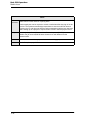
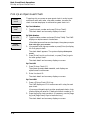
Employee sign in
This message follows the prompt “Authorization is required
for:” It displays when you try to sign in and are not privileged to
do so. Enter an authorized employee’s ID to continue, or press
[Clear] to cancel.
Employee sign in required
This message displays when you try to perform any operation
that requires you to be signed in, and you haven’t signed in yet.
Sign in, then begin the transaction.
Employee status read failure
Programming error. Contact your support representative.
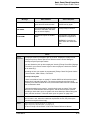
Employees have suspended checks
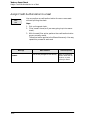
This message appears if you try to de-assign [One Touch] sign in
keys for employees who have suspended checks. [One Touch]
keys for employees with suspended checks cannot be reassigned.
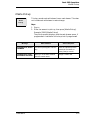
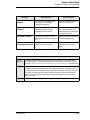
Enter amount
This prompt displays when you use an NLU key to access an
item that requires an amount entry, such as an open food item
or an open discount. Enter an amount.
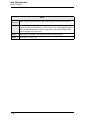
Enter charge payment
This prompt displays after you have entered a charged tip,
which must be followed by some form of charge payment. Enter
a charge payment or void the charged tip.
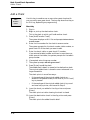
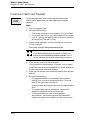
Enter check ID
This prompt displays for any of several guest check operations
that require the guest check number to be entered.
A-22