1
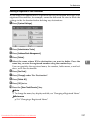
Registering Addresses and Users for Facsimile/Scanner Functions
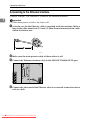
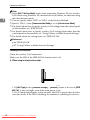
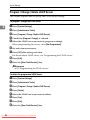
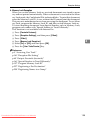
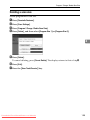
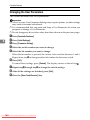
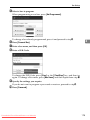
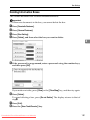
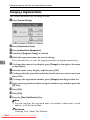
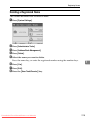
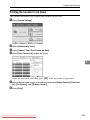
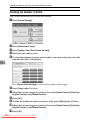
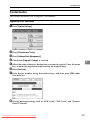
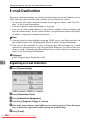
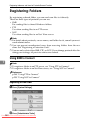
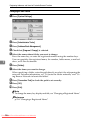
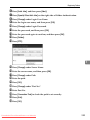
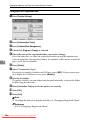
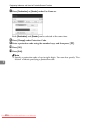
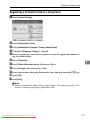
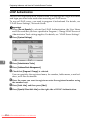
C Press [Address Book Management].
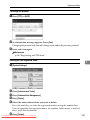
D Press [Delete].
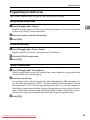
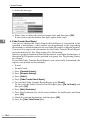
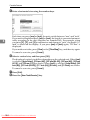
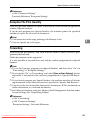
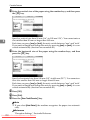
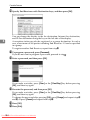
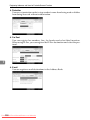
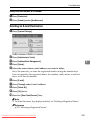
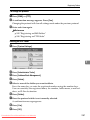
E Select the name whose fax destination you want to delete.
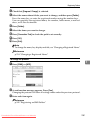
Press the name key, or enter the registered number using the number keys.
You can search by the registered name, fax number, folder name, e-mail address, or IP-Fax destination.
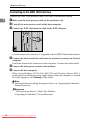
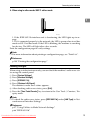
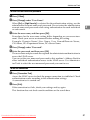
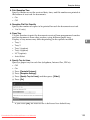
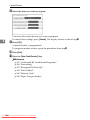
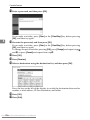
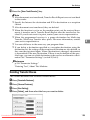
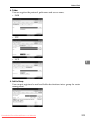
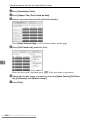
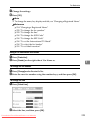
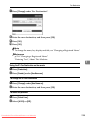
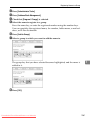
F Press [Fax Dest.].
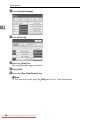
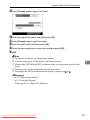
G Press [Change] under Facsimile No..
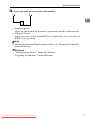
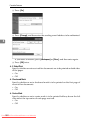
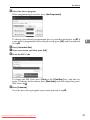
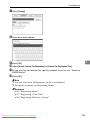
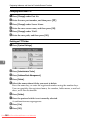
H Press [Delete All].
7
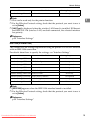
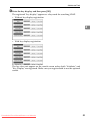
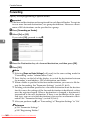
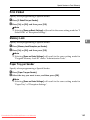
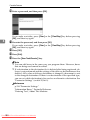
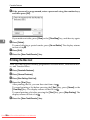
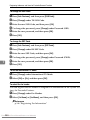
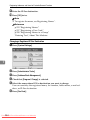
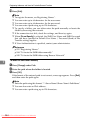
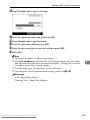
I Press [OK] twice.
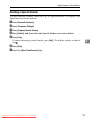
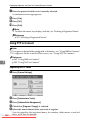
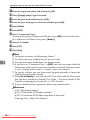
J Press the {User Tools/Counter} key.
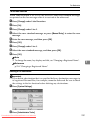
Note
❒ To delete the name, key display, and title, see "Deleting a Registered Name".
Reference
p.215 “Deleting a Registered Name”
232 From ManualsPrinter.com Manuals
Downloaded