1
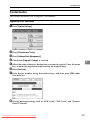
Program / Change / Delete Scan Size
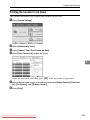
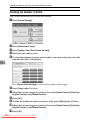
Deleting a scan size
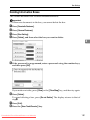
Delete programmed scan size.
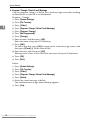
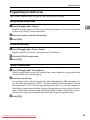
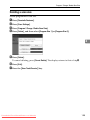
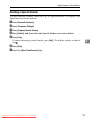
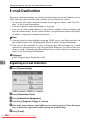
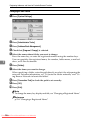
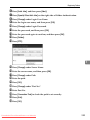
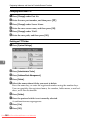
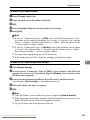
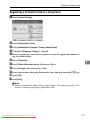
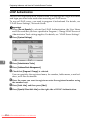
A Press [Facsimile Features].
B Press [Scan Settings].
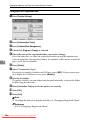
C Press [Program / Change / Delete Scan Size].
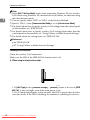
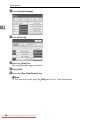
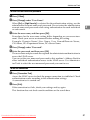
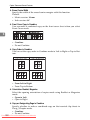
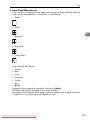
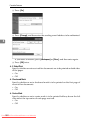
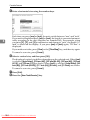
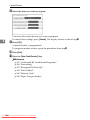
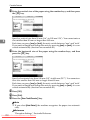
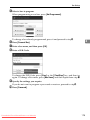
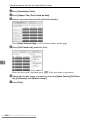
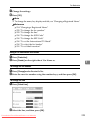
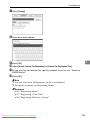
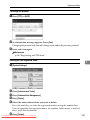
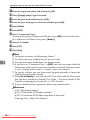
D Press [Delete], and then select [Program Size 1] or [Program Size 2].
4
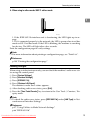
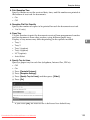
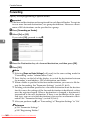
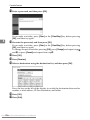
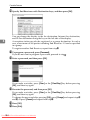
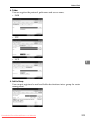
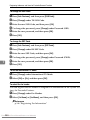
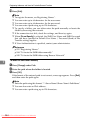
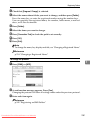
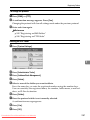
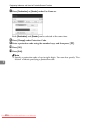
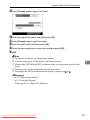
E Press [Delete].
To cancel deleting, press [Do not Delete]. The display returns to that of stepD.
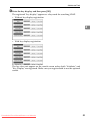
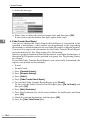
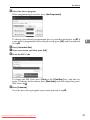
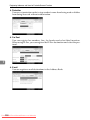
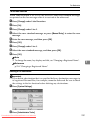
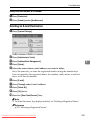
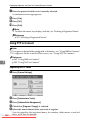
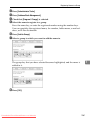
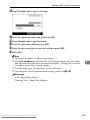
F Press [Exit].
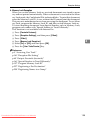
G Press the {User Tools/Counter} key.
Downloaded From ManualsPrinter.com Manuals
145