1
Interleaf EP1052 DIS/REASSEMBLY, ADJUSTMENT
96.11.01
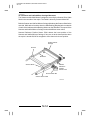
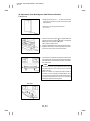
(2) Adjustment of the Optimum Exposure Setting in the Manual Mode
z Requirement
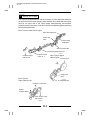
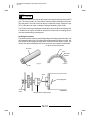
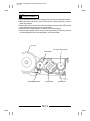
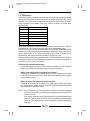
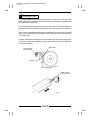
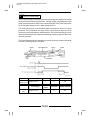
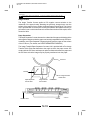
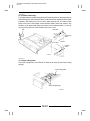
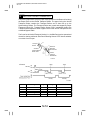
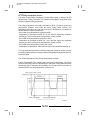
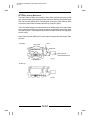
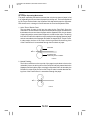
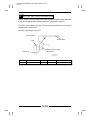
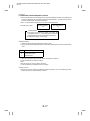
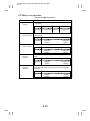
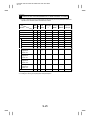
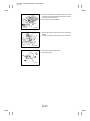
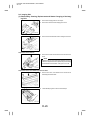
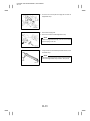
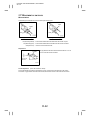
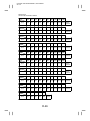
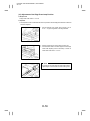
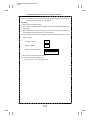
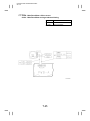
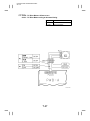
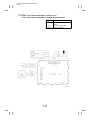
D When the manual exposure setting is at the central indication, no image of step no. 1 of a Kodak Gray
Scale should be produced on the copy, but a faint image of step no. 2 should be produced.
No image of
step no. 1
Faint image of
step no. 2
1139D270AA
z Important
D This adjustment should be carried out only after completing “Adjustment of the Maximum Exposure
Lamp Voltage for the Manual Mode” and “Adjustment of the Aperture Blades.”
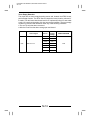
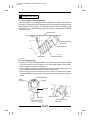
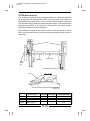
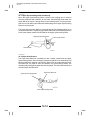
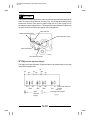
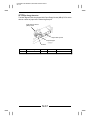
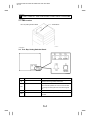
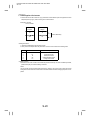
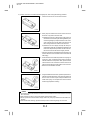
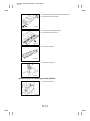
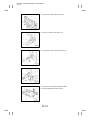
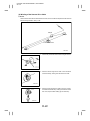
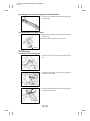
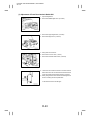
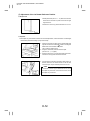
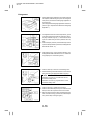
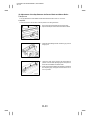
1. Place the Kodak Gray Scale lengthwise, face down, and
at the center on the Original Glass. Place a sheet of pure
white A3 or 11” 17” paper over it and then lower the Original Cover.
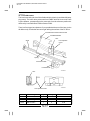
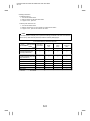
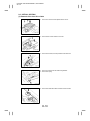
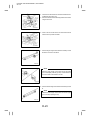
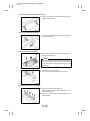
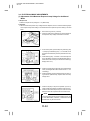
2. Set the copier into the Manual Exposure Mode. Set the Exposure Setting to the central or fifth indication and enter 15
copies to be made by using the Multi-Copy Keys. (Use A3
paper.)
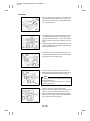
3. Press the Start Key.
Check that the 15th copy meets the requirement given
above.
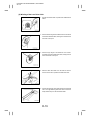
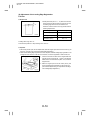
4. If the exposure is out of adjustment, press the Stop Key,
Multi-Copy Key “0,” Stop Key, and Multi-Copy Key “1,” in
that order, to set the copier into a state ready to enter a particular Tech. Rep. Mode.
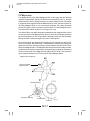
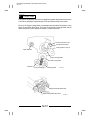
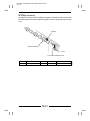
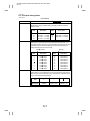
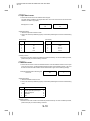
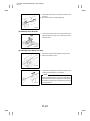
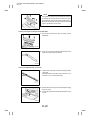
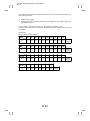
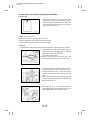
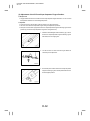
5. Press Multi-Copy Key “1” and then “3” to set the copier into
the F3 Test Mode. (At this time, the Magnification Ratio Indicator shows the currently set value and the Multi-Copy
Display shows “F3.”)
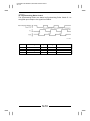
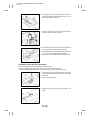
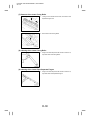
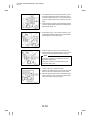
6. Using the Zoom Up/Down Keys, vary the value on the
Magnification Ratio Indicator as necessary.
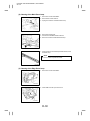
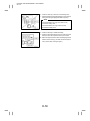
7. After the adjustment has been made, press the Panel Reset Key twice (or turn OFF the Power Switch) to return the
copier back into the normal mode.
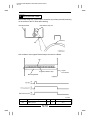
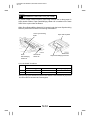
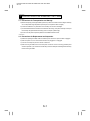
NOTE
Increase the value to make the image lighter.
Decrease the value to make the image darker.
D-47