1
SLP
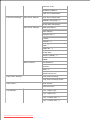
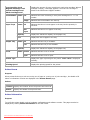
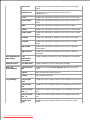
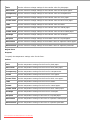
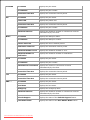
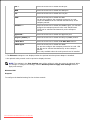
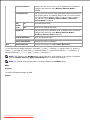
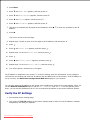
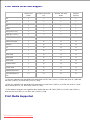
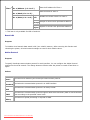
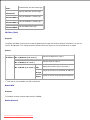
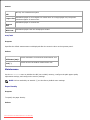
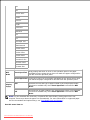
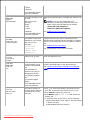
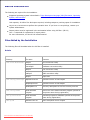
File Server Name *1
Specifies the file server name up to 47 alphanumeric characters.
Configure this item only when Bindery: PServer Mode is
selected.
Polling Interval
Sets the time interval from when print data enters the print queue
until printing starts. The setting range is from 1 to 1000 seconds.
The original setting remains valid if no input is made. Configure
this item only when Bindery: PServer Mode or Directory:
PServer Mode is selected.
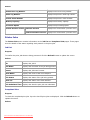
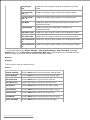
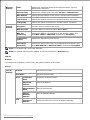
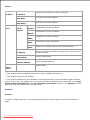
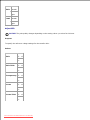
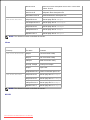
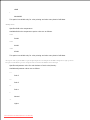
NCP
Packet
Burst
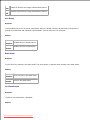
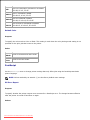
On
Uses NCP packet burst.
Off
Does not use NCP packet burst.
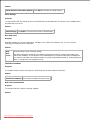
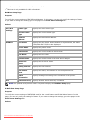
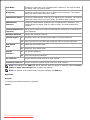
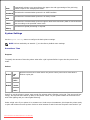
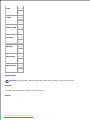
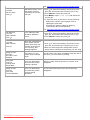
Password
Sets the print server password up to 32 alphanumeric characters.
Configure this item only when Binary: PServer Mode or
Directory: PServer Mode is selected.
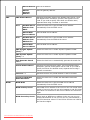
Confirm Password
Enter the password again.
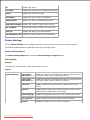
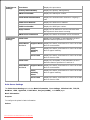
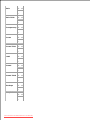
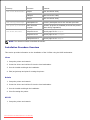
Status Information
Displays the status of NetWare.
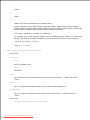
Active Discovery
Select the check box to enable Active Discovery .
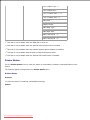
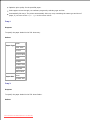
*1 The following are illegal characters: semicolon (;), colon (:), asterisk (*), question mark (?), period (.),
comma (,), yen mark (¥), back slash (\), double quotation ("), comparison symbols (< >), brackets ([ ]),
operation symbols (+, =, or ~), pipe (|), slash (/), and space ( ).
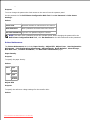
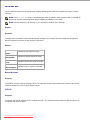
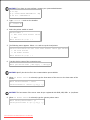
NOTE: The settings in the NetWare page will be valid only when NetWare or the printer is rebooted.
Click the Restart printer to apply new settings button to apply new settings.
NOTE: An optional multi protocol card is required to display the NetWare page.
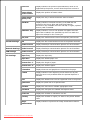
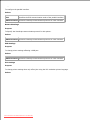
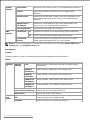
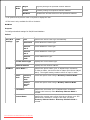
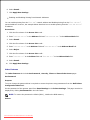
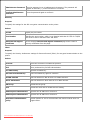
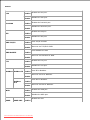
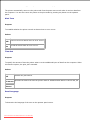
SMB
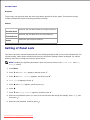
Purpose:
To configure detailed settings for SMB.
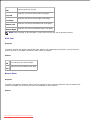
Values:
Downloaded from ManualsPrinter.com Manuals