1
Setting Call Timers
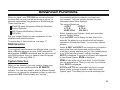
LAST CALL: Shows length of the last call made or answered (in minutes and seconds).
TOTAL CALL: Shows total length of all calls made or answered.
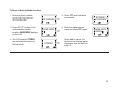
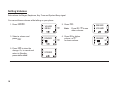
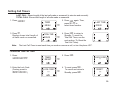
1. Press N3 .
TIMER
MENU
➪
2. Press N again. Then,
press < / > to
select timer function.
LAST TIME
000:00
F3
3. Press > .
Display shows total length of
all calls made or answered.
TOTAL TIME
000:00
31
➪
32
Note:
4. Press N to return to
Standby. To reset the
Total Call Timer, see the
next section (To Reset the
Total Call Timer).
The Last Call Timer is reset each time you make or answer a call, or turn the phone OFF.
To reset the Total Call Timer
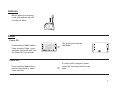
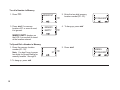
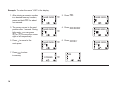
1. Press
N3N>> .
2. Press
TIMER
RESET
N.
➪
LOCK CODE?
**
33
3. Enter the Lock Code
(Factory preset is
0123 .)
LOCK CODE?
***
33
33
➪
4. To reset, press M .
To cancel and return to
Standby, press N .
RESET?
***
33
19