1
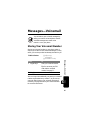
New Passwords
M > Settings > Security
> New Passwords
Change your unlock code (originally set to 1234) or
your security code (originally set to 000000). See
page 132.
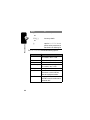
OTHER SETTINGS
Personalize
M > Settings
Menu Feature Descriptions
> Other Settings
> Personalize
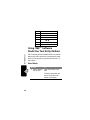
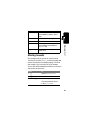
Set several personal phone options:
Main Menu
Change the order of the
main menu. See page 121.
Keys
Change the functions of the
soft keys in the idle display.
See page 121.
Greeting
Change the text
displayed when
you turn on your
phone.
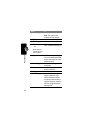
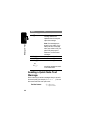
Initial Setup
M > Settings
> Other Settings
> Initial Setup
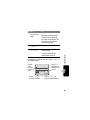
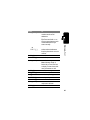
Set many basic phone options:
Time and Date
58
Set the phone’s time and
date.