1
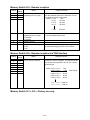
3.15.2 Print consumable order sheet
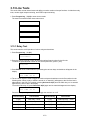
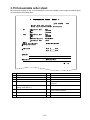
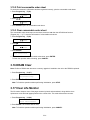
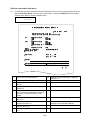
To check the customer’s information has been registered correctly, print the consumable order sheet.
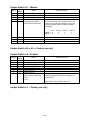
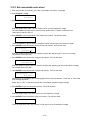
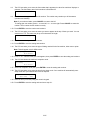
1. Press Program key, *, F(06).
Set Order Sheet
/ /Enter
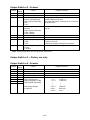
2. Press
,
.
Print Order Sheet
/ /Enter
3. Press ENTER to print the consumable order sheet.
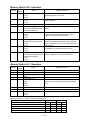
3.15.3 Clear consumable order sheet
The consumable order sheet keeps several items, these are not clear the all RAM clear function
(Program key, *, 3). To clear the information of consumable order sheet:
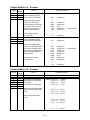
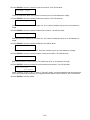
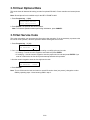
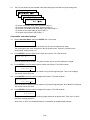
1. Press Program key, *, F(06).
Set Order Sheet
/ /Enter
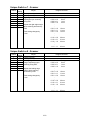
2. Press
.
Reset Order Sheet
/ /Enter
3. Press ENTER.
Reset Order Sheet
Check Enter/Cancel
4. To clear the information of consumable order sheet, press ENTER.
To finish the operation without clearing, press CANCEL.
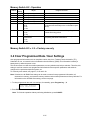
3.16 DRAM Clear
Note: Perform a DRAM clear whenever a memory upgrade is installed to the unit or the DRAM is replaced.
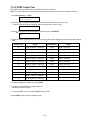
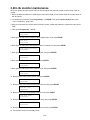
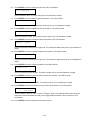
1. Press Program key, *, G (07).
DRAM Clear
Check Enter/Stop
2. Press ENTER. The DRAM will be cleared.
Note: To finish the operation without performing initialization, press STOP.
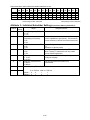
3.17 Clear Life Monitor
The life monitor keeps a count of the pages scanned, printed, and transmitted, along with the drum
replacement count and total pages printed on the current drum. This mode clears these counters.
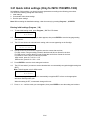
1. Press Program key, *, H (08).
Clear Life Monitor
Check Enter/Cancel
2. Press ENTER. The counters will be reset.
Note: To finish the operation without performing initialization, press CANCEL.
3-81