1
00732M
SCL901
SEA
(20-45)
12/26/03
10:45
AM
_P_ge
37
I ENGLISH I
Advanced
Recording
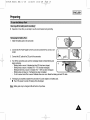
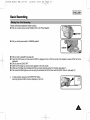
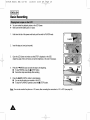
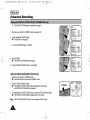
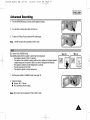
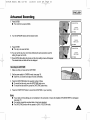
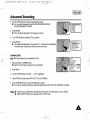
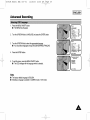
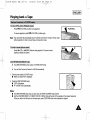
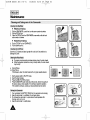
4. Turnthe UP/DOWNdial up or down untilthe objectis focused.
5. Youwill obtaina sharppictureafterzoomingout.
6. To return toAF(AutoFocus),pressthe MF buttonagain.
Note: The MF functionwill not operatein EASYmode.
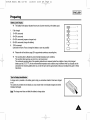
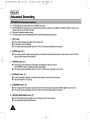
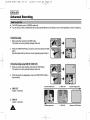
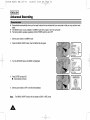
BLC works inthe CAMERAmode.
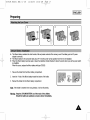
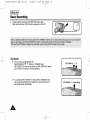
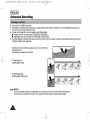
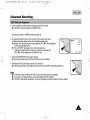
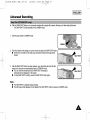
Back lightingexistswhenthe subject is darkerthan the background:
The subjectis placedinfront of a window.
The personto be recordedis wearingwhiteor shinyclothesand is placedagainst
a brightbackground;the person'sface is too darkto distinguishtheir features.
The subjectis outdoorsandthe backgroundis overcast.
The lightsourcesare too bright.
The subjectis againsta snowybackground.
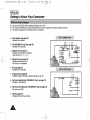
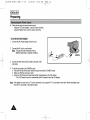
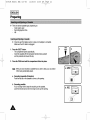
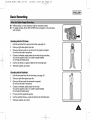
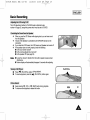
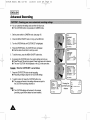
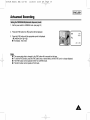
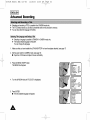
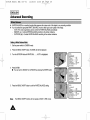
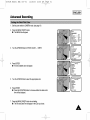
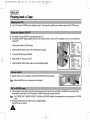
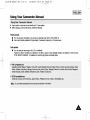
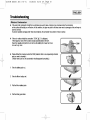
1. Set the powerswitchto CAMERAmode.(seepage 18)
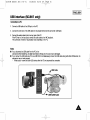
2. Press BLC button.
• Normal- BLC - Normal
• BLC enhances only the subject.
Note: BLCfunctionwill not operatein EAE or EASY mode.
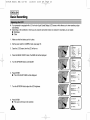
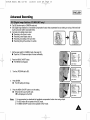
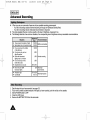
* BLCoff
* BLCon