1
HWC_Startup.fm
HiPath Wireless Controller: Startup
First-time setup of HiPath Wireless Controller
4.
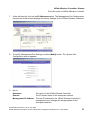
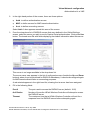
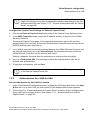
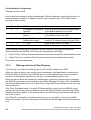
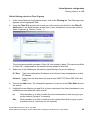
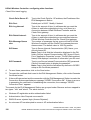
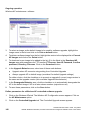
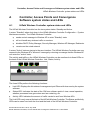
Point the browser to the URL https://192.168.10.1:5825. This URL launches the webbased GUI on the HiPath Wireless Controller. The login screen appears.
5.
Key in the factory default User Name (“admin”) and Password (“abc123”). Click on the
Login button. The main menu screen appears.
6.
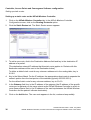
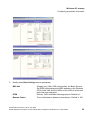
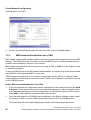
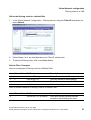
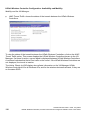
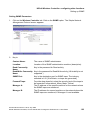
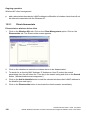
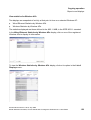
Click on the HiPath Wireless Controller Configuration menu option to navigate to the
HiPath Wireless Controller Configuration screen.
26
A31003-W1010-A100-1-7619, July 2005
HiPath Wireless Controller, Access Points and Convergence Software V3.0: User Guide