1
III. Guide to Operation
1. Power On/Off
1.1 Power On
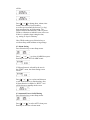
Press Read key for 2 seconds, the Power Up
Message appears, with the sound or vibration
alert generated for 16 seconds, or until a key is pressed.
1.2 Power Off
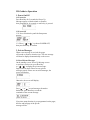
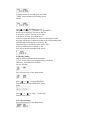
1.2.1 Press Selection key until the Setup menu
appears:
1.2.2 Press "
" or " " to choose POWER OFF,
then press Read key to confirm.
2. Private Messages
When a new message is received, the pager
will sound or vibrate to alert the user. The new message
will then be displayed automatically on the screen.
2.1 Read Private Messages
On the standby screen, Power Up Message screen
or real time clock screen, press Read key
or " " , " " to display the private message.
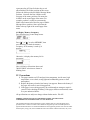
Pager will first check if there are any private
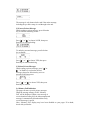
messages stored. If there are no stored messages, the
screen will display:
Otherwise, the screen will display:
Press " " or " " to read messages forward or
backwards, press Read key to read the
remainder of the current message.
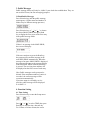
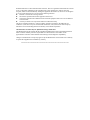
If pre-time stamp function is pre-programmed on the pager,
the first and last page of the private
message will be: