1
66/98
T24 System Manual Part 2: Access Configuration On The Keypad
3.3.5 Erase Admin Card
If you no longer require a previously set-up red admin card, or if the card is no longer
available (loss, theft), you should erase the card for security reasons.
To do so, you will need one previously set-up admin card (or Super PIN) and the transponder
number of the admin card to be erased, if you no longer have another admin card. If
you still have the card, you can erase it by holding it up to the keypad without requiring
a transponder number.
Proceed As Follows:
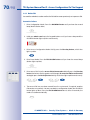
1. Ready the set-up admin card and the admin card to be erased or its transponder
number and the Super PIN.
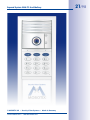
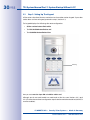
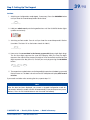
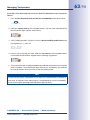
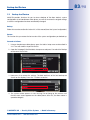
2. Enter Configuration Mode: Press the OK/MENU button until you hear the second
beep (button flashes blue).
OK
hold (2nd beep)
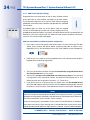
3. Hold a red admin card not to be erased up to the keypad buttons (or enter the
Super PIN and then press the OK/MENU button, if there is no remaining admin
card) until you hear a beep and the OK/MENU button continuously lights up blue.
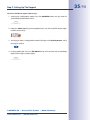
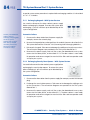
4. Enter Access Configuration Mode: Briefly press the blue key button, which then
lights up blue.
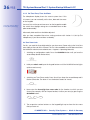
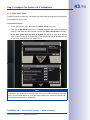
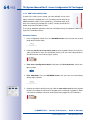
5. Enter Erase Mode: Press the ESC/ALARM button until you hear the second beep
(button lights up blue). You can now erase the admin card at hand (step 6), or if
you no longer have the admin card, use its transponder number to erase it (step 7).
ESC
hold (2nd beep)
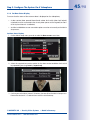
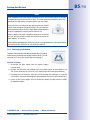
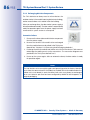
6. Erase current admin card: Hold the card to be erased up to the keypad until you
hear the first beep (the ESC/ALARM button lights up red) and pull the card away
again. Next, confirm the card by again holding it up to the keypad until you hear
a beep.
© MOBOTIX AG • Security Vision Systems • Made in Germany
www.mobotix.com • [email protected]