1
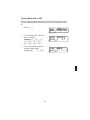
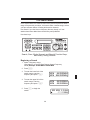
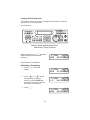
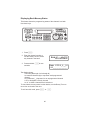
Turning Banks ON or OFF
After you have programmed channels in several of the scanner’s banks
you can customize which channels you scan by turning the banks on or
off.
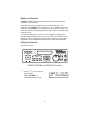
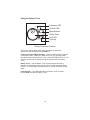
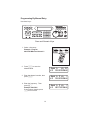
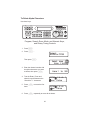
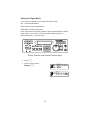
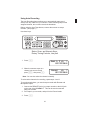
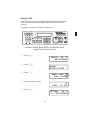
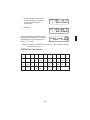
1. Press s.
Bank ABCDEFGHIJ
Sca n 1234567890
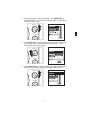
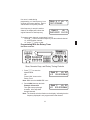
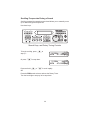
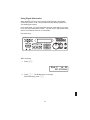
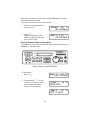
2. To turn a Bank OFF, press the
letter or number.
Example: E, G , H ,
J, 2 , 3 , 4 ,
6,8,9,0.
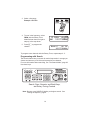
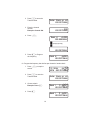
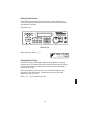
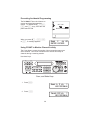
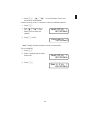
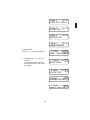
3. To turn a Bank ON, press the
number or letter again.
Example: e , I , 0 .
25
Bank
Sca n
ABCD F
1
5 7
Bank
Sca n
ABCDEF I
1
5 7 0