1
9. Contrast methods for Leica DM4000 B/DM4500 P/DM5000 B
9. Contrast methods for Leica
DM4000 B/DM4500 P/DM5000 B
9.1 Transmitted light
9.1.2 Phase contrast (TL)
9.1.1 Bright field (TL)
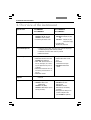
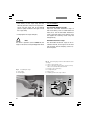
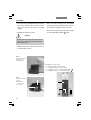
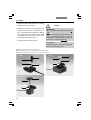
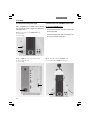
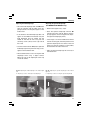
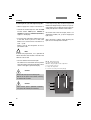
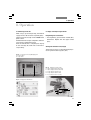
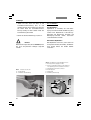
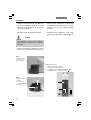
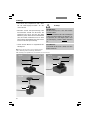
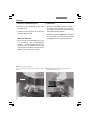
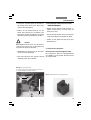
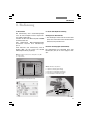
• Switch to the transmitted light axis (TL) by
pushing the TL/IL function key.
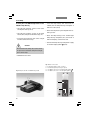
• Switch to the transmitted light axis (TL) by
pushing the TL/IL function key.
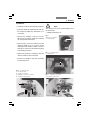
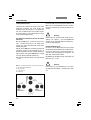
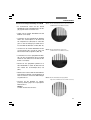
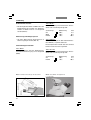
• Select the BF (bright field) contrast method.
Do so by pressing the BF variable key.
Alternatively: press the variable button
CHANGE TL .
(For details on key assignments, please see
the identification sheet.)
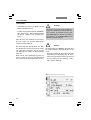
The display indicates BF.
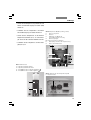
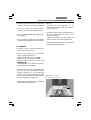
• Insert a transmitted light specimen.
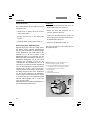
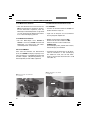
• Rotate an appropriate objective into place.
• Use the focus wheel to bring the image into
focus and set the brightness using the INT
function key.
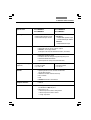
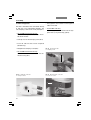
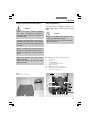
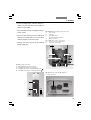
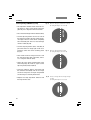
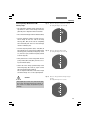
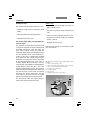
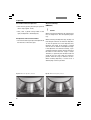
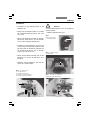
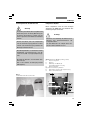
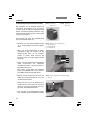
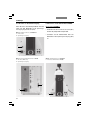
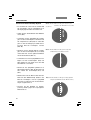
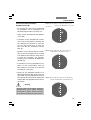
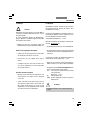
• Select the PH (phase contrast) contrast method.
Do so by pressing the variable button PH.
Alternatively: press the variable button
CHANGE TL .
(For details on key assignments, please see
the identification sheet.)
The display indicates PH.
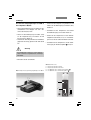
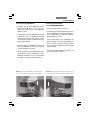
• Insert a transmitted light specimen.
• Rotate an appropriate objective into place.
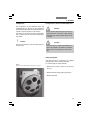
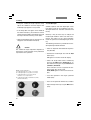
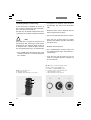
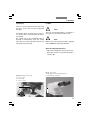
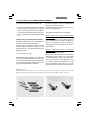
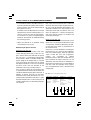
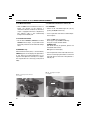
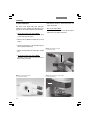
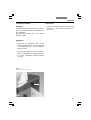
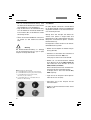
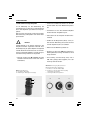
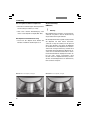
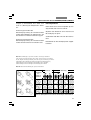
Objectives that are suitable for phase contrast are engraved with PH.
• Bring the image into focus using the focus
wheel and set the brightness using the INT
function key.
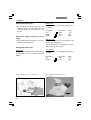
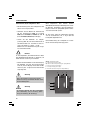
Notes:
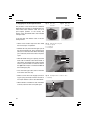
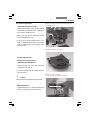
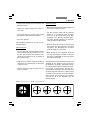
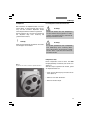
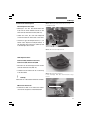
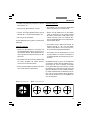
The microscope automatically selects the correct light ring in the condenser.
When selecting the phase contrast method, the
aperture diaphragm is opened fully and can not
be adjusted.
60