1
VMS Network Configuration
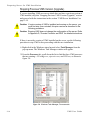
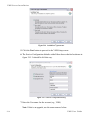
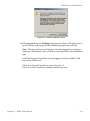
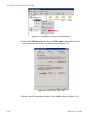
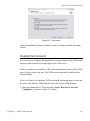
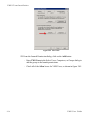
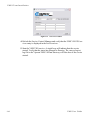
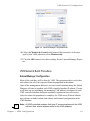
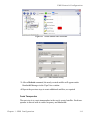
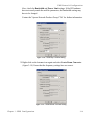
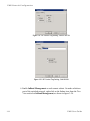
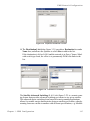
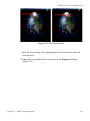
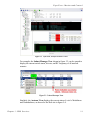
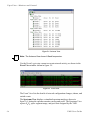
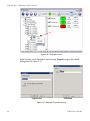
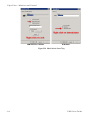
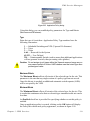
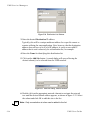
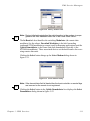
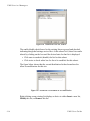
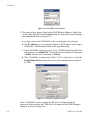
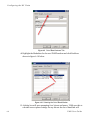
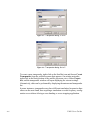
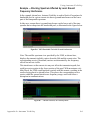
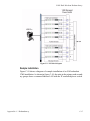
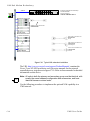
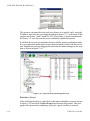
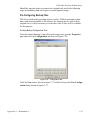
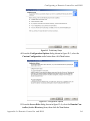
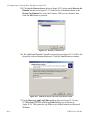
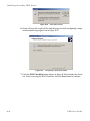
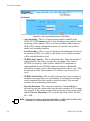
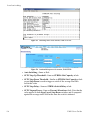
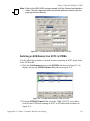
Figure 3-55 Enable Dynamic Function for SOTM Remote
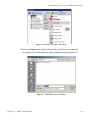
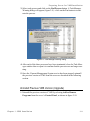
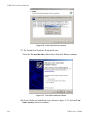
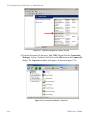
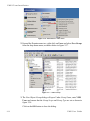
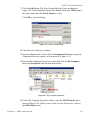
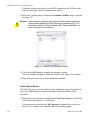
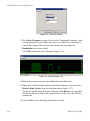
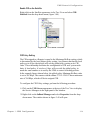
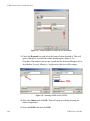
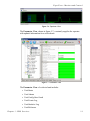
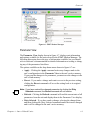
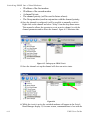
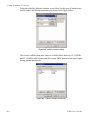
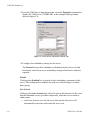
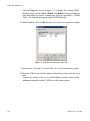
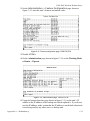
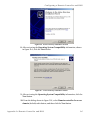
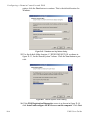
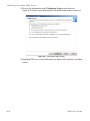
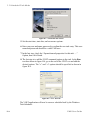
3. Check the Dynamic box and select the browse button beneath it. This will
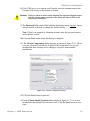
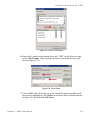
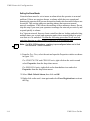
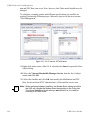
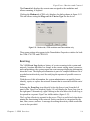
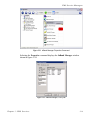
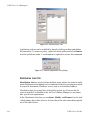
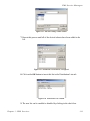
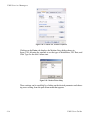
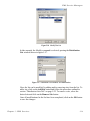
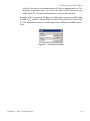
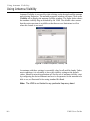
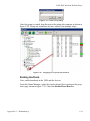
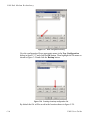
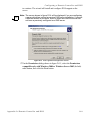
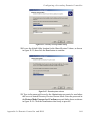
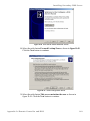
open a dialog box in which the subnet should appear (figure 3-56).
Note that, if the subnet icon was not copied into the Network Manager site as
described in Network Manager Configuration, this box will be empty.
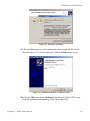
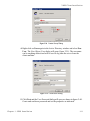
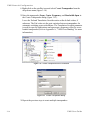
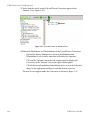
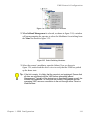
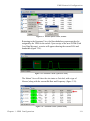
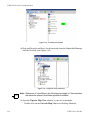
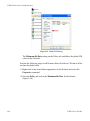
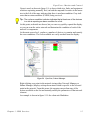
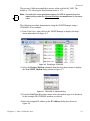
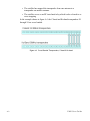
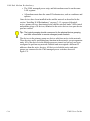
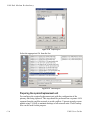
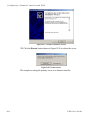
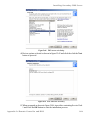
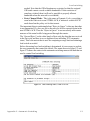
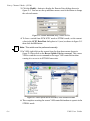
Figure 3-56 Selecting ROSS Unit for SOTM
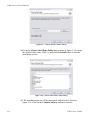
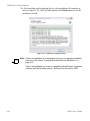
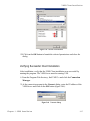
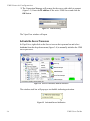
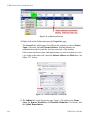
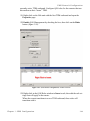
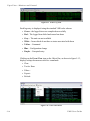
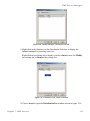
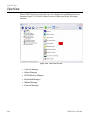
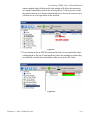
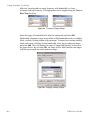
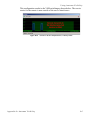
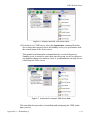
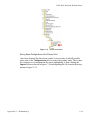
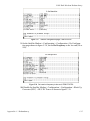
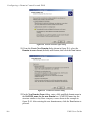
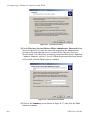
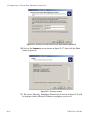
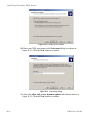
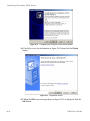
4. Select the Subnet and click OK. This will open up a dialog showing the
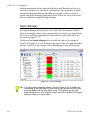
subnet components.
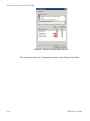
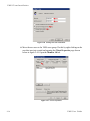
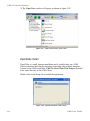
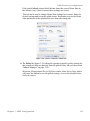
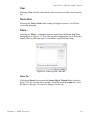
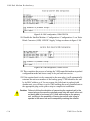
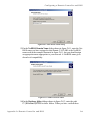
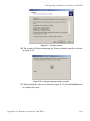
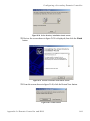
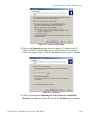
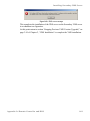
5. Select the ROSS unit and click OK.
3-46
V M S U s e r G u id e