1
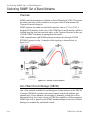
Entry Channel Mode (ECM)
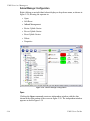
NOTE
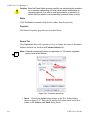
Note: Refer to the SLM-5650A modem manual for Entry Channel configuration
setup. The text referenced within are similar between modems only the
page layouts are different.
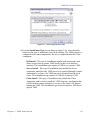
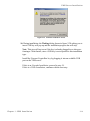
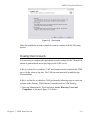
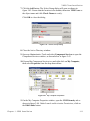
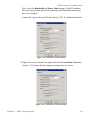
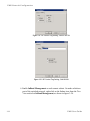
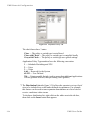
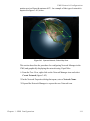
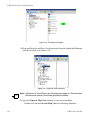
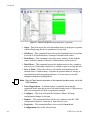
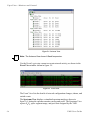
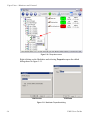
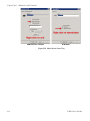
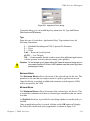
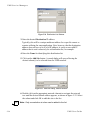
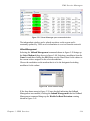
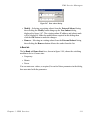
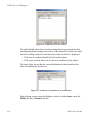
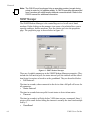
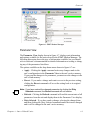
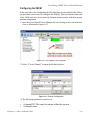
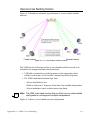
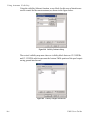
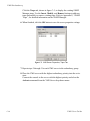
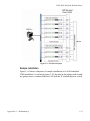
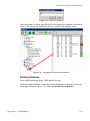
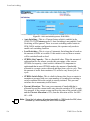
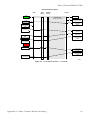
Figure G-3 STDMA tab with ECM mode, CDM-570/570L
Switching an ECM Remote from SCPC to STDMA
Use the following procedure to switch a remote operating in SCPC mode while
in the ECM mode.
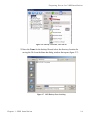
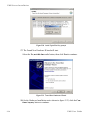
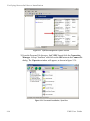
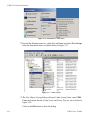
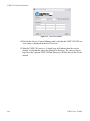
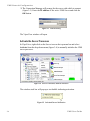
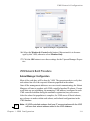
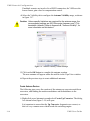
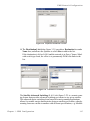
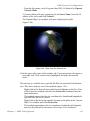
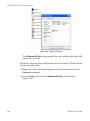
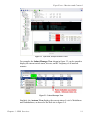
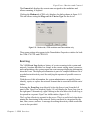
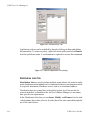
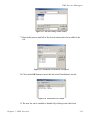
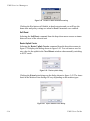
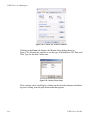
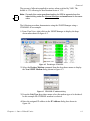
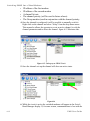
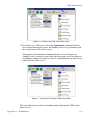
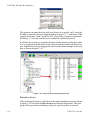
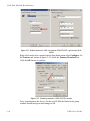
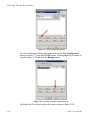
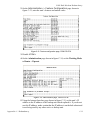
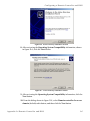
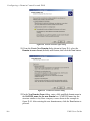
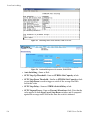
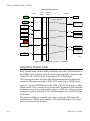
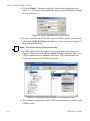
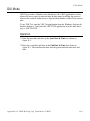
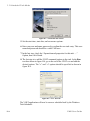
1. Click the List Remotes button on the STDMA tab shown in figure G-3 to
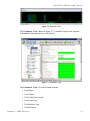
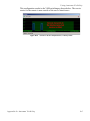
display the pop-up STDMA Remote List shown in figure G-4.
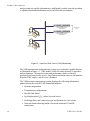
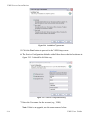
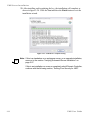
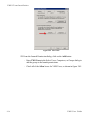
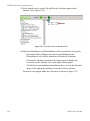
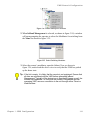
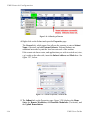
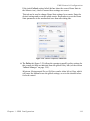
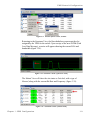
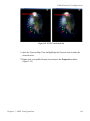
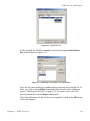
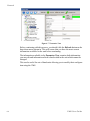
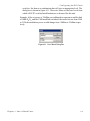
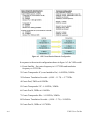
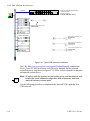
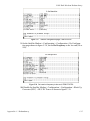
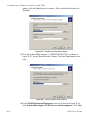
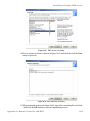
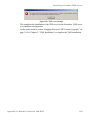
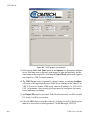
Figure G-4 STDMA remote list tab, CDM-570/570L
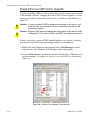
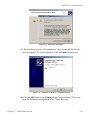
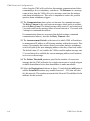
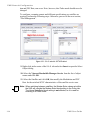
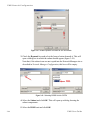
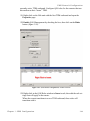
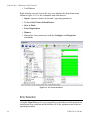
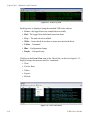
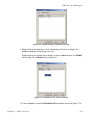
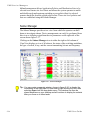
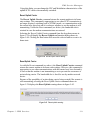
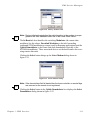
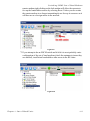
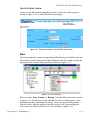
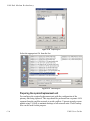
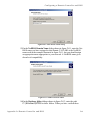
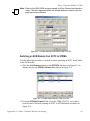
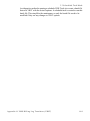
2. From the STDMA Remote List, select the CDM-570/570L you wish to
switch from ECM mode running in SCPC to STDMA mode as shown in
figure G-4.
Appendix G - Entry Channel Mode Switching
G-5