1
VMS Client Installation
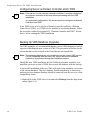
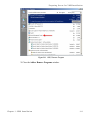
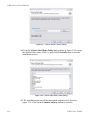
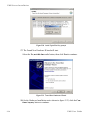
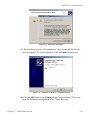
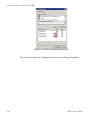
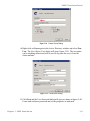
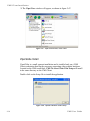
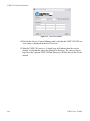
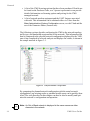
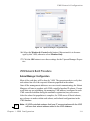
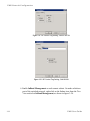
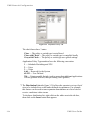
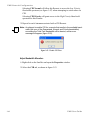
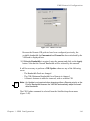
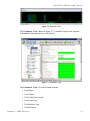
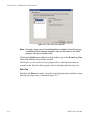
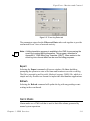
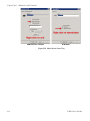
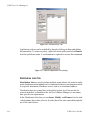
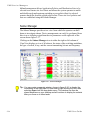
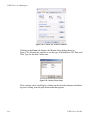
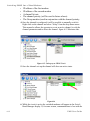
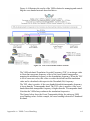
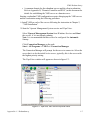
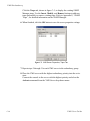
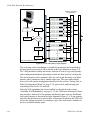
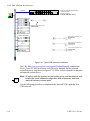
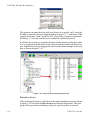
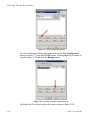
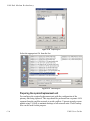
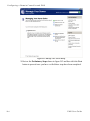
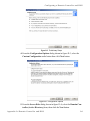
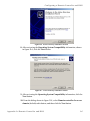
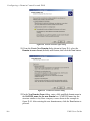
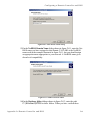
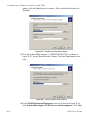
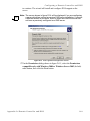
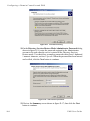
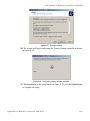
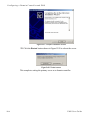
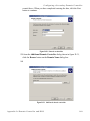
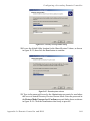
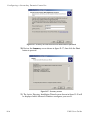
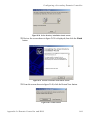
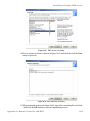
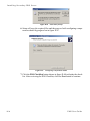
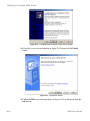
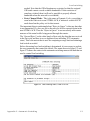
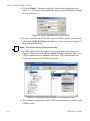
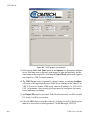
Figure 2-51 VNO-WS Installer
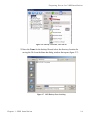
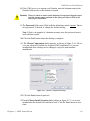
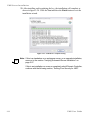
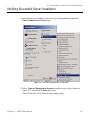
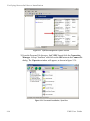
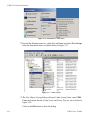
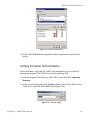
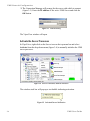
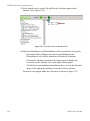
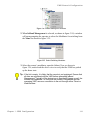
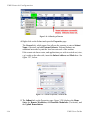
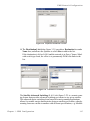
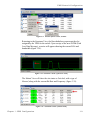
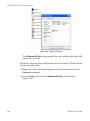
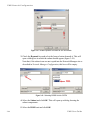
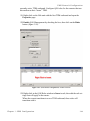
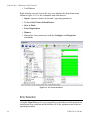
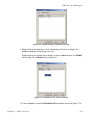
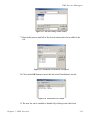
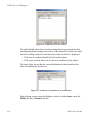
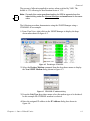
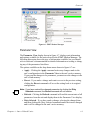
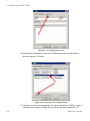
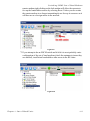
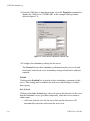
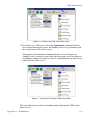
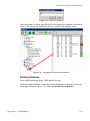
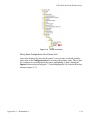
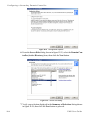
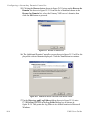
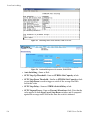
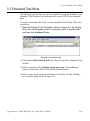
4. Refresh the Service Control Manager and verify that the VMS VNO WS services entry is displayed in the list of services.
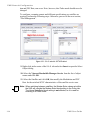
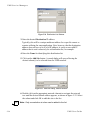
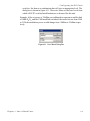
5. Start the VMS VNO service. A single beep will indicate that the service
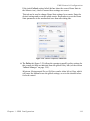
started. Verify that the status has changed to Running. The vno-ws-log.txt
log file in the Vipersat\VMS\3.0\Data directory will also show if the service
started.
2-42
VMS User Guide