1
Client Operation
Multi-Tech FaxFinder Quick Start
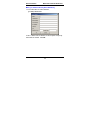
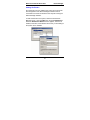
The “Cover Page Style” chosen will determine how this
information will appear on the fax cover page. You can
select a standard style from the “Cover Page Style” dropdown menu or create a style of your own in the Template
Editor. To access the Template Editor software, click on
the “View/Edit” button. (For more information, see the
section “Creating or Modifying Cover Page Styles” in the
Client User Guide.)
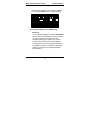
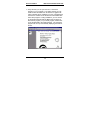
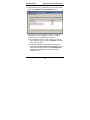
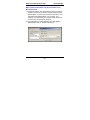
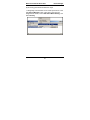
Click on the “Preview Fax” button to check the fax before
you send it. The Mult-Tech Tiff Viewer program will appear.
In it, you can view both the cover page and the main fax
page(s). (For more information on this, see the section
“Using the Multi-Tech Tiff Viewer” in the Client User Guide.)
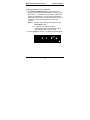
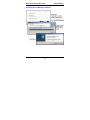
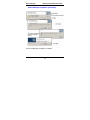
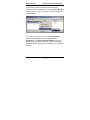
When satisfied with your fax, close the Multi-Tech Tiff
Viewer program and return to the FaxFinder Send Fax
screen.
62