1
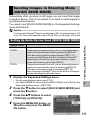
Sending Still Images to a Printer
(PRINT)
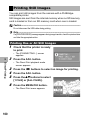
You can send still images from the camera to a Bluetooth®-enabled
printer to have them printed.
Images are sent from the internal memory when no SD memory
card is loaded or from an SD memory card when installed.
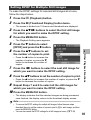
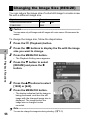
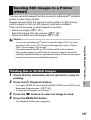
There are three ways to send images to a printer.
• Send one image (GP.157)
• Send all images from the camera (GP.157)
• Select and send several images (GP.159)
Caution------------------------------------------------------------------------------------------
1
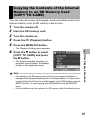
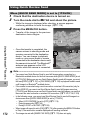
Check that the destination device (printer) is ready for
printing.
Using the Bluetooth® Function
• You can only use the Bluetooth® function to send still images (.JPG). You cannot
send movies (.AVI) or text (.TIF). If there are still images with sounds (.JPG and
.WAV), only still images (.JPG) are sent.
• If the printer supports both BIP and OPP profiles, the BIP profile is selected.
• When sending images using a BIP profile, the maximum image size that can be
handled by the destination device is automatically obtained. If the size of the image to
be sent is too large, then it is resized before being sent.
2
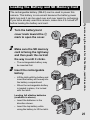
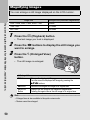
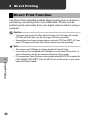
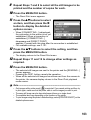
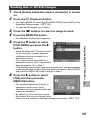
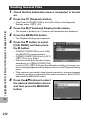
Press the 6 (Playback) button.
8
Printing One or All Still Images
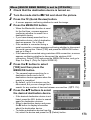
• For Caplio 500SE-W, check that [CHANGE COM] is set to [BT] on the
Expanded Settings menu. (GP.193)
• To send all still images, go to Step 4.
3
4
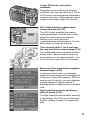
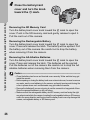
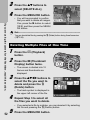
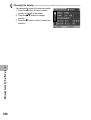
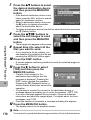
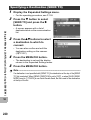
Press the #$ buttons to select an image to send.
Press the MENU/OK button.
• The Playback Setting menu appears.
157