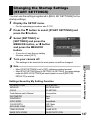
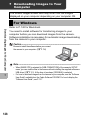
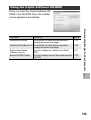
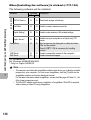
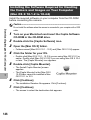
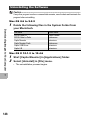
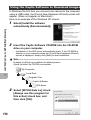
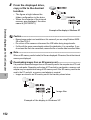
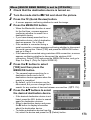
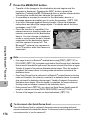
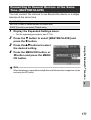
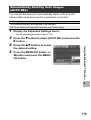
1
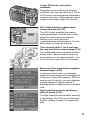
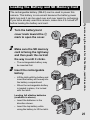
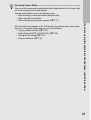
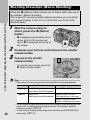
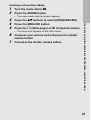
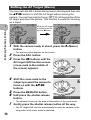
Shooting in Zoom Macro Mode
1
2
6
7
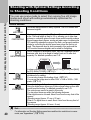
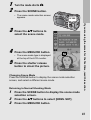
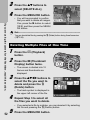
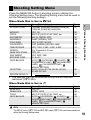
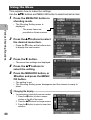
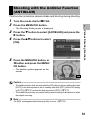
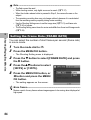
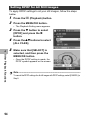
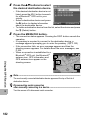
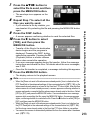
Press the SCENE button.
• The scene mode selection screen appears.
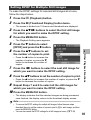
Press the !" buttons to select [ZOOM MACRO].
Press the MENU/OK button.
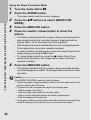
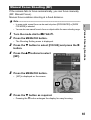
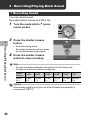
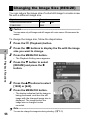
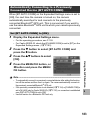
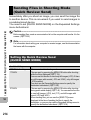
Press the Z (Wide-angle) or z (Telephoto) button.
• The zoom level appears on the LCD monitor.
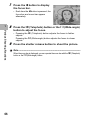
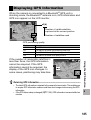
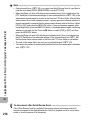
Compose your picture and half-press the shutter
release button.
Full-press the shutter release button.
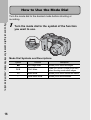
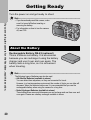
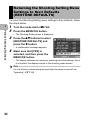
If you are using the camera for the first time, read this section.
3
4
5
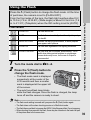
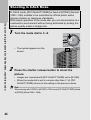
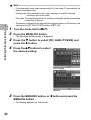
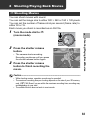
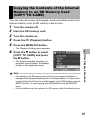
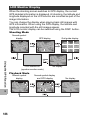
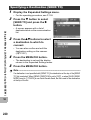
Turn the mode dial to 5.
43