1
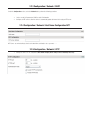
2.3.4 Configuration / Video In / Point to Point
•
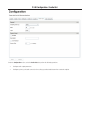
Configure point to point video connections (up to three) for creating persistent video streams from the encoder to
a network endpoint.
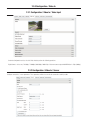
2.3.5 Configuration / Video In / Text Overlay
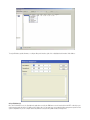
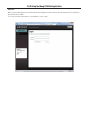
Text Box
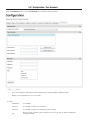
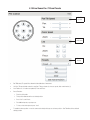
To insert a text overlay:
•
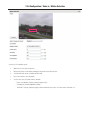
There are (2) available strings (Text blocks). Select string.
•
Select string Size.
•
For string position click mouse inside string position box.
o
Text bar will appear on video image.
o
If you wish to relocate, simply click in desired position.
o
Type desired text into String Text Box.
o
Press Save Button.















![取扱説明書[NR-E430V/430VL/F430V] (3.76 MB/PDF)](http://vs1.manualzilla.com/store/data/006648042_2-89ac55d92c1fb0f3590623e547ebc7e0-150x150.png)