1
DirectTV Mnl rev1
10/25/01
7:31 PM
Page 3
INTRODUCTION
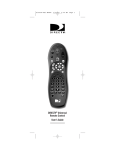
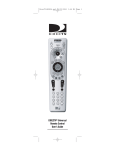
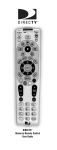
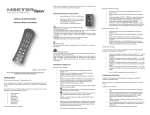
Congratulations! You now have an exclusive DIRECTV
universal remote control that will control four devices,
including a DIRECTV Receiver, TV,VCR, and an auxiliary
device. Moreover, its sophisticated technology allows you to
consolidate the clutter of your original remote controls into
one easy-to-use unit that’s packed with features such as:
• Preprogrammed interactive technology that links hot
keys to your DIRECTV® Service
• Master Power key for master on/off control of all of
your equipment with a single keystroke
• Macro keys for sorting movie and sports programs
in the DIRECTV® Programming (on most
DIRECTV Receivers)
• ID Lock to lock your remote control for use only with a
selected DIRECTV Receiver
• Automatic back lighting of most commonly-used keys
that become active with any key press
• Code library for popular video and audio devices
• Code Search to help program control of older or
discontinued devices
Before using your DIRECTV universal remote control,
you may need to program it to operate with your
particular home entertainment devices. Please follow the
instructions detailed in this User’s Guide to setup your
DIRECTV universal remote control so you may start
enjoying its features.
3