1
DirectTV Mnl rev1
10/25/01
7:31 PM
Page 28
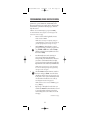
CHANGING VOLUME LOCK
To Change Volume Lock To The AUX Mode
(continued):
2.
Enter 9 - 9 - 3.
3.
Press AUX once. It will blink twice.
4.
Now, whenever you press Volume or Mute,
volume will be controlled by your auxilary
device.
To Change Volume Lock Back To The TV Mode:
1.
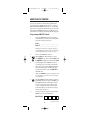
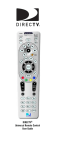
On the DIRECTV universal remote control,
press TV once. Then press and hold Setup until
the TV key blinks twice, then release Setup.
2.
Enter 9 - 9 - 3.
3.
Press TV once. It will blink twice.
4.
Now, whenever you press Volume or Mute,
volume will again be controlled by your TV.
28