1
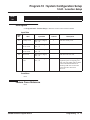
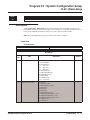
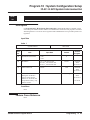
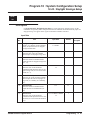
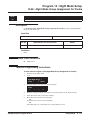
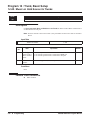
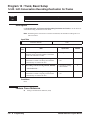
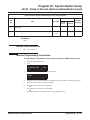
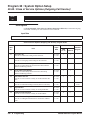
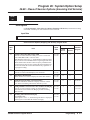
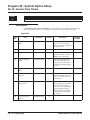
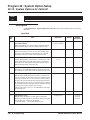
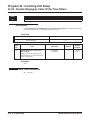
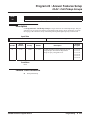
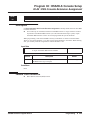
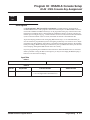
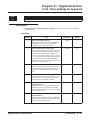
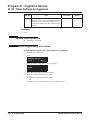
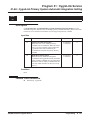
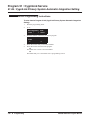
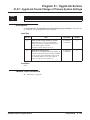
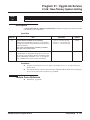
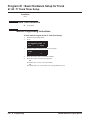
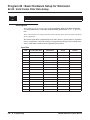
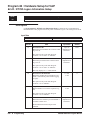
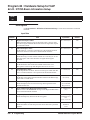
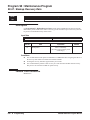
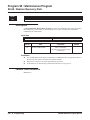
Program 81 : Basic Hardware Setup for Trunk
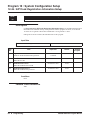
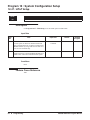
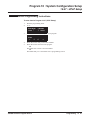
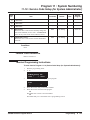
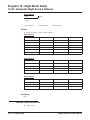
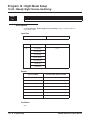
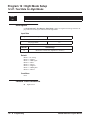
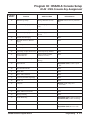
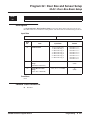
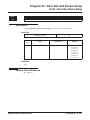
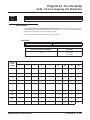
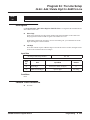
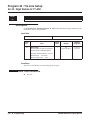
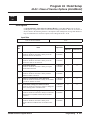
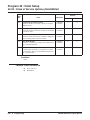
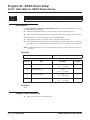
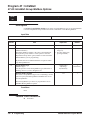
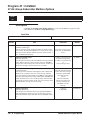
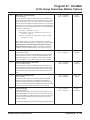
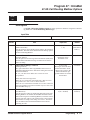
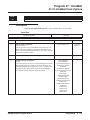
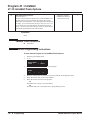
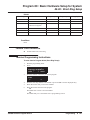
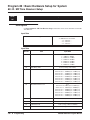
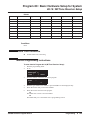
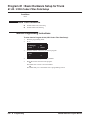
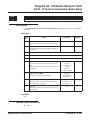
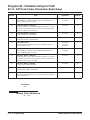
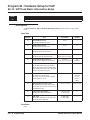
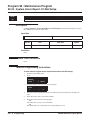
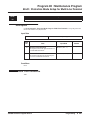
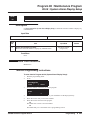
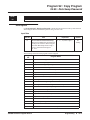
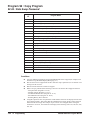
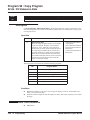
81-07 : Codec Filter Setup for Analog Trunk Ports
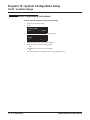
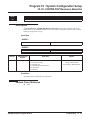
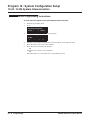
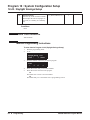
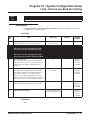
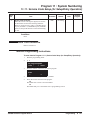
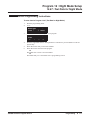
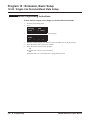
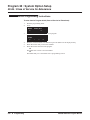
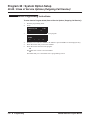
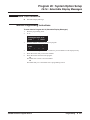
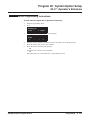
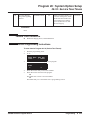
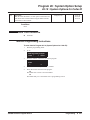
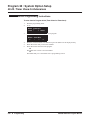
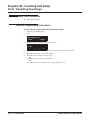
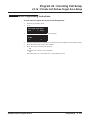
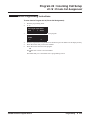
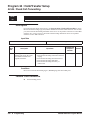
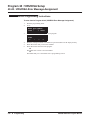
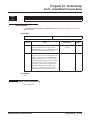
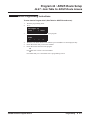
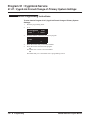
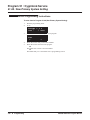
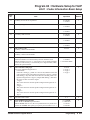
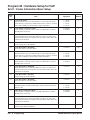
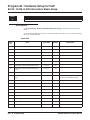
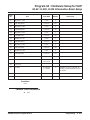
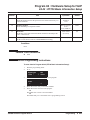
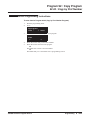
Terminal Programming Instructions
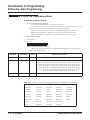
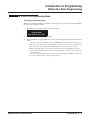
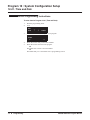
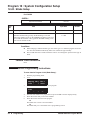
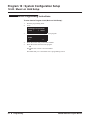
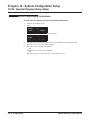
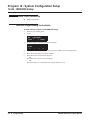
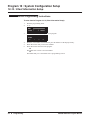
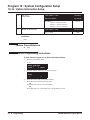
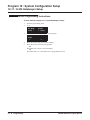
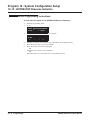
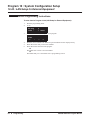
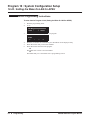
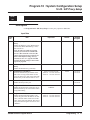
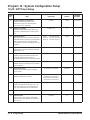
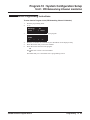
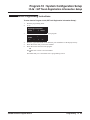
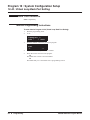
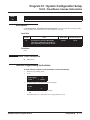
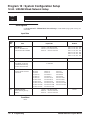
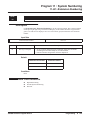
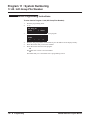
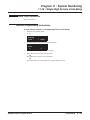
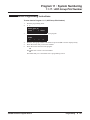
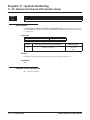
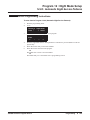
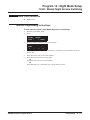
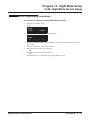
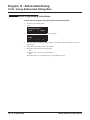
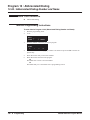
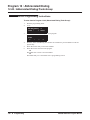
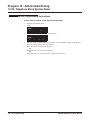
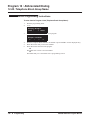
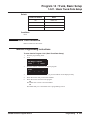
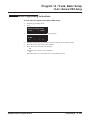
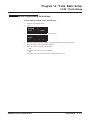
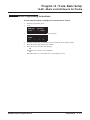
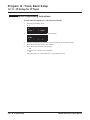
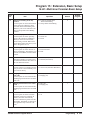
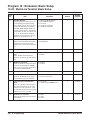
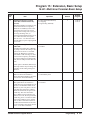
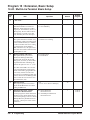
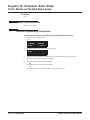
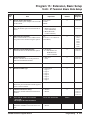
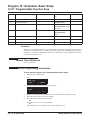
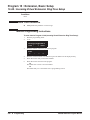
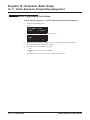
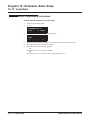
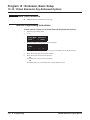
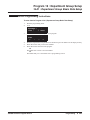
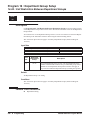
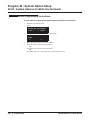
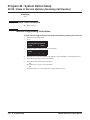
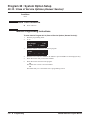
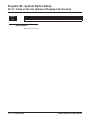
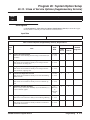
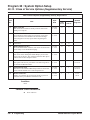
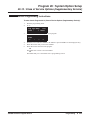
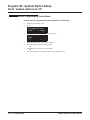
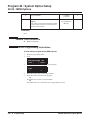
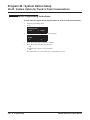
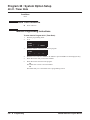
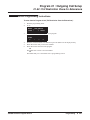
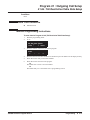
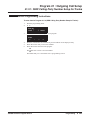
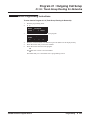
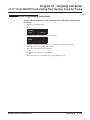
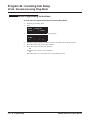
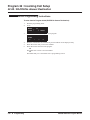
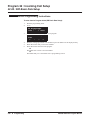
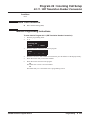
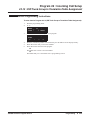
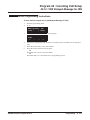
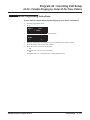
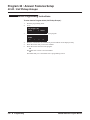
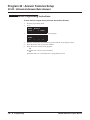
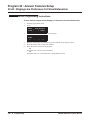
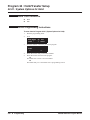
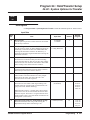
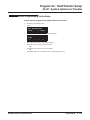
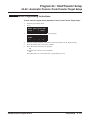
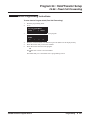
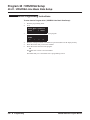
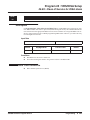
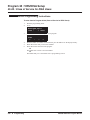
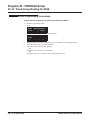
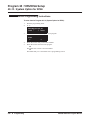
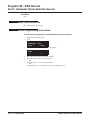
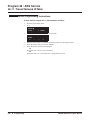
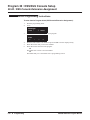
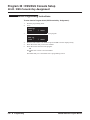
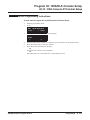
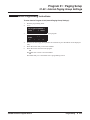
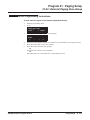
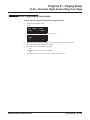
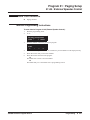
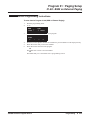
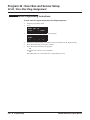
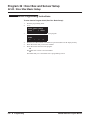
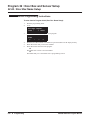
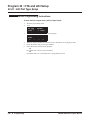
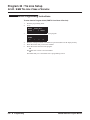
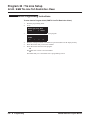
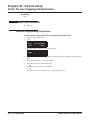
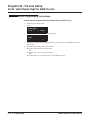
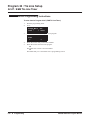
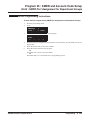
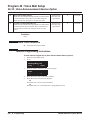
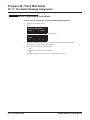
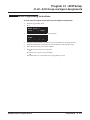
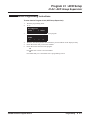
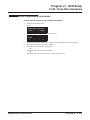
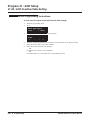
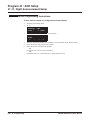
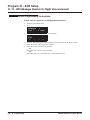
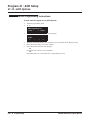
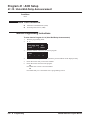
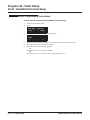
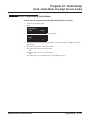
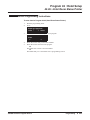
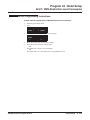
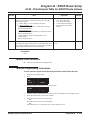
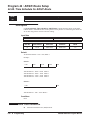
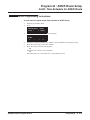
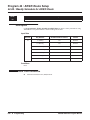
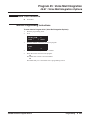
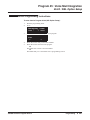
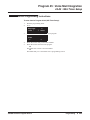
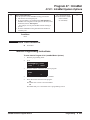
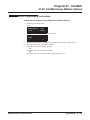
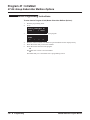
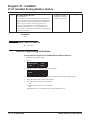
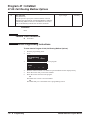
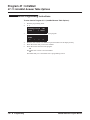
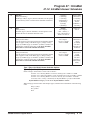
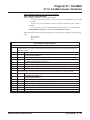
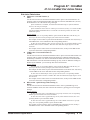
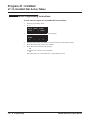
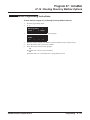
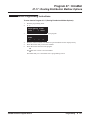
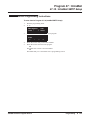
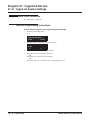
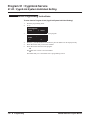
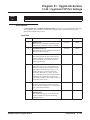
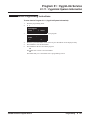
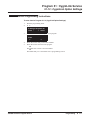
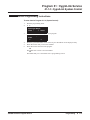
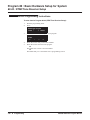
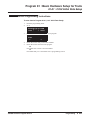
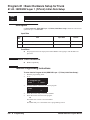
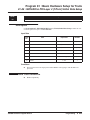
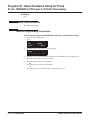
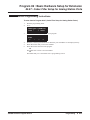
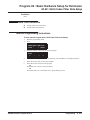
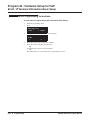
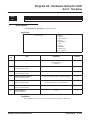
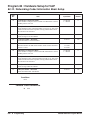
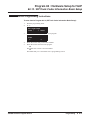
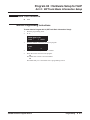
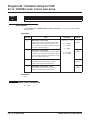
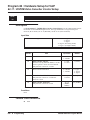
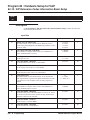
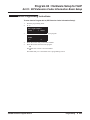
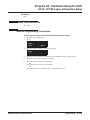
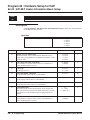
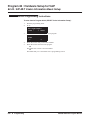
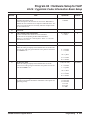
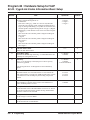
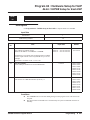
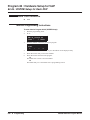
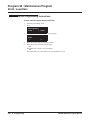
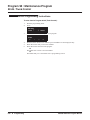
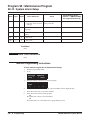
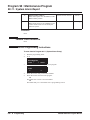
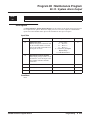
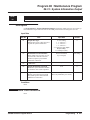
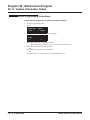
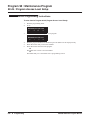
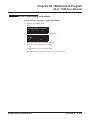
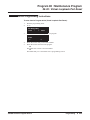
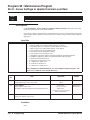
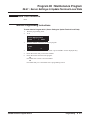
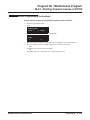
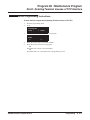
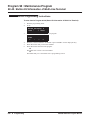
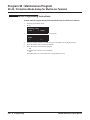
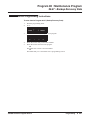
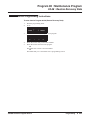
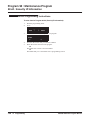
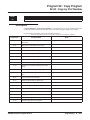
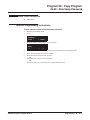
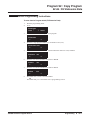
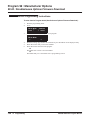
To enter data for Program 81-07 (Codec FilterSetup for Analog Trunk Ports):
1.
2.
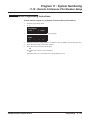
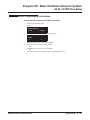
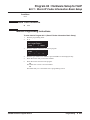
Enter the programming mode.
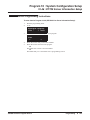
81 07
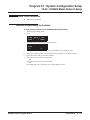
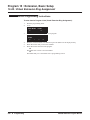
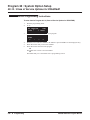
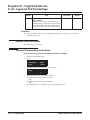
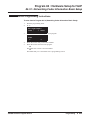
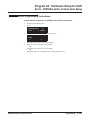
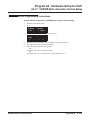
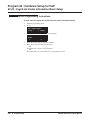
81-07-01 Trunk1
CODEC Filter 2:4dB Loss
back ↑
↓ select
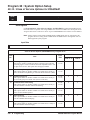
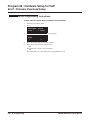
3.
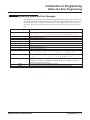
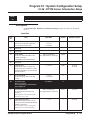
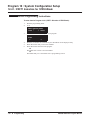
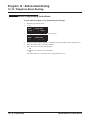
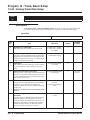
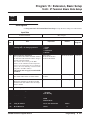
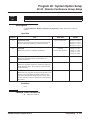
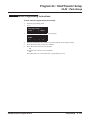
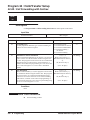
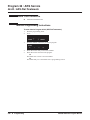
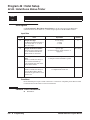
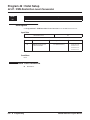
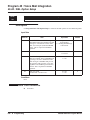
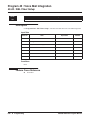
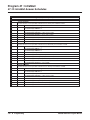
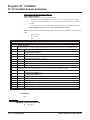
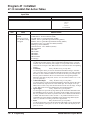
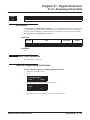
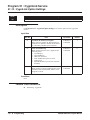
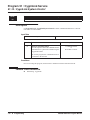
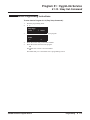
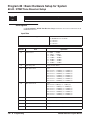
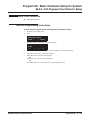
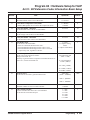
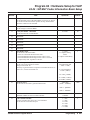
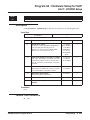
Enter the number of the item you want to program.
81-07-nn
nnnnn
←
4.
5.
6.
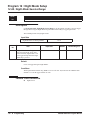
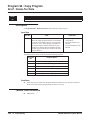
814 ◆ Programming
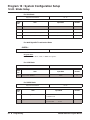
Trunknnn
−
+
→
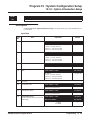
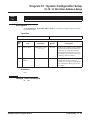
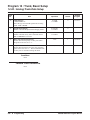
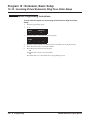
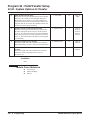
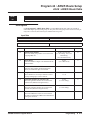
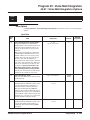
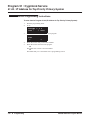
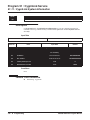
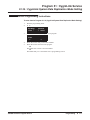
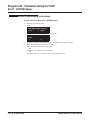
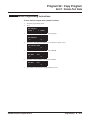
Enter the trunk port number to be defined or press FLASH to use the displayed entry.
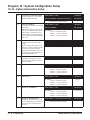
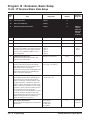
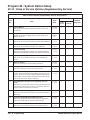
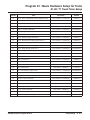
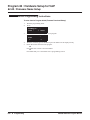
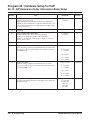
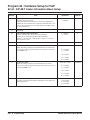
Enter data for the item you selected + HOLD.
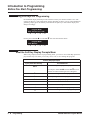
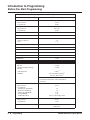
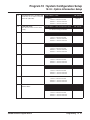
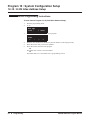
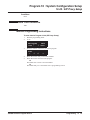
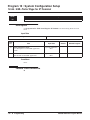
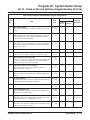
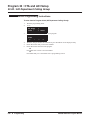
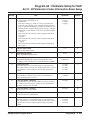
Enter data for the next item in the program.
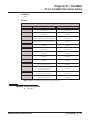
OR
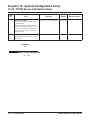
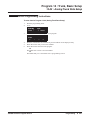
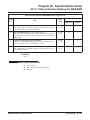
Press MIC once to enter a new item number.
OR
Press MIC until you’ve exited that series’s programming section.
UX5000 Software Program Manual