1
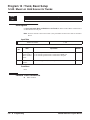
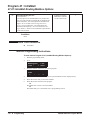
Program 47 : IntraMail
47-15 : Routing Directory Mailbox Options
47-15 : Routing Directory Mailbox Options
Level:
IN
Feature Availability
•
Available.
Description
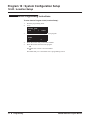
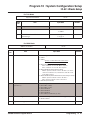
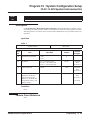
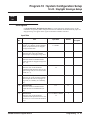
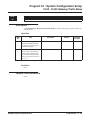
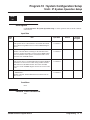
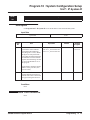
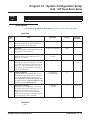
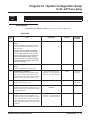
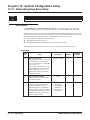
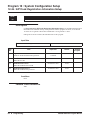
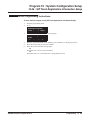
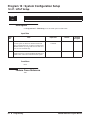
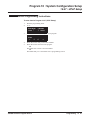
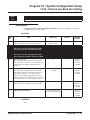
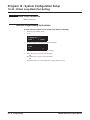
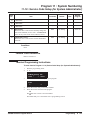
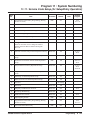
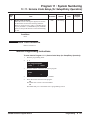
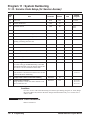
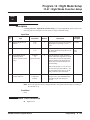
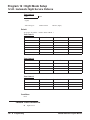
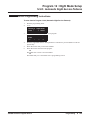
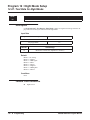
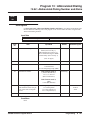
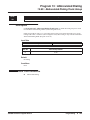
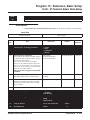
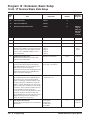
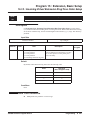
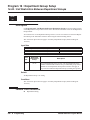
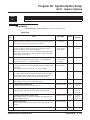
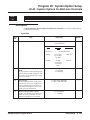
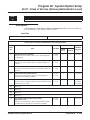
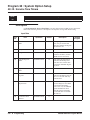
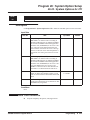
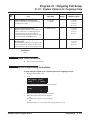
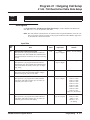
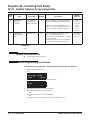
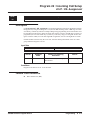
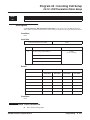
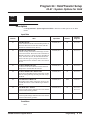
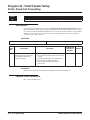
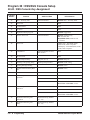
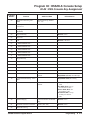
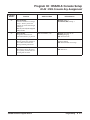
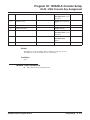
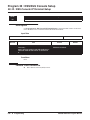
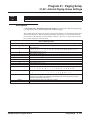
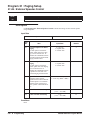
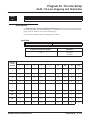
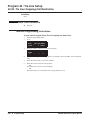
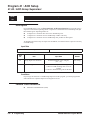
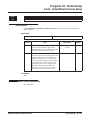
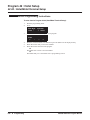
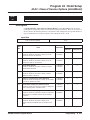
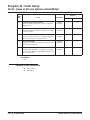
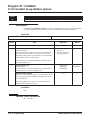
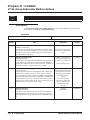
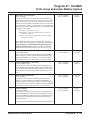
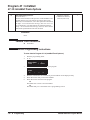
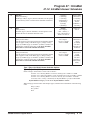
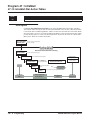
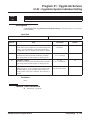
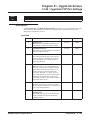
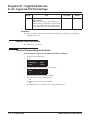
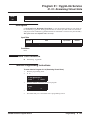
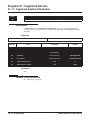
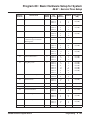
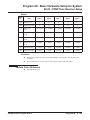
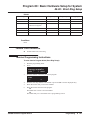
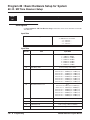
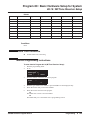
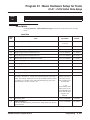
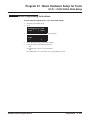
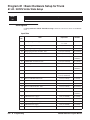
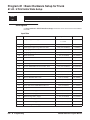
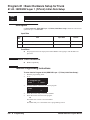
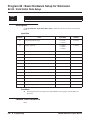
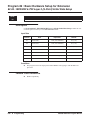
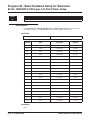
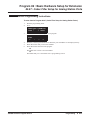
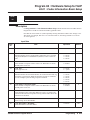
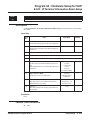
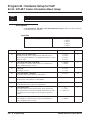
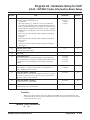
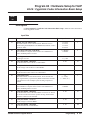
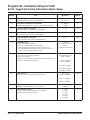
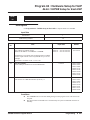
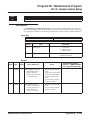
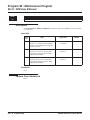
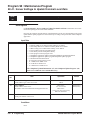
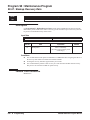
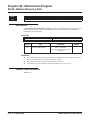
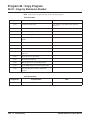
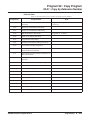
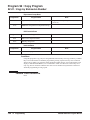
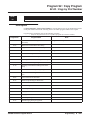
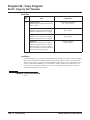
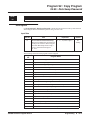
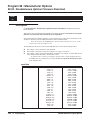
Use 47-15: Routing Directory Mailbox Options to set up the Routing Mailbox assigned as a
Directory Dialing Mailbox in 47-07-02: Routing Mailbox Type.
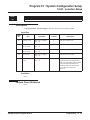
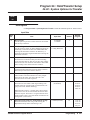
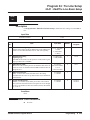
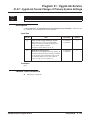
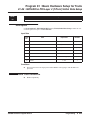
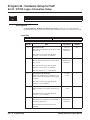
Input Data
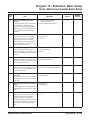
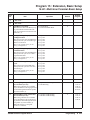
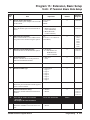
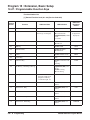
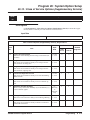
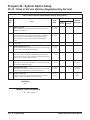
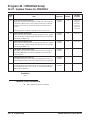
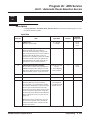
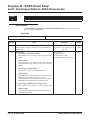
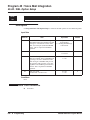
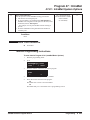
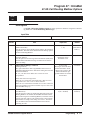
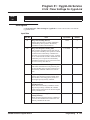
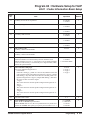
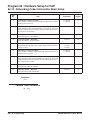
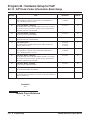
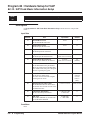
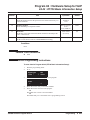
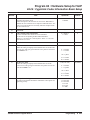
Item No.
Item
Input Data
Default
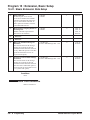
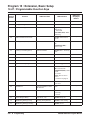
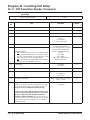
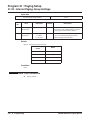
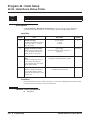
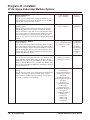
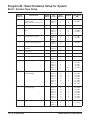
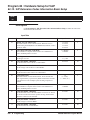
01
Minimum Number of Letters Required
(Min Num Letters)
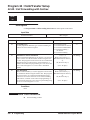
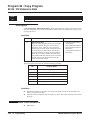
Use this option to specify the minimum number of letters the
caller should dial in order to be routed by the Directory Dialing
Mailbox. Callers must dial this minimum number of letters, followed by #.
1-3
1
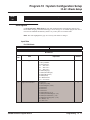
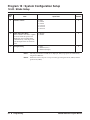
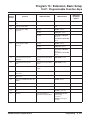
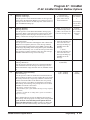
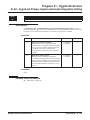
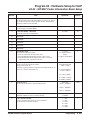
02
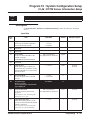
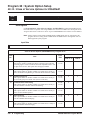
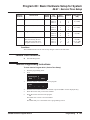
Directory List Number to Use
(Directory List)
Use this option to specify which Directory List the Directory
Dialing Mailbox should use. The Directory Dialing Mailbox
can only call Subscriber Mailboxes that are in the list specified
by this option.
1-8 (lists 1-8)
1 (list 1)
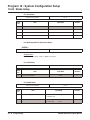
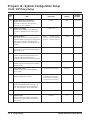
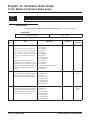
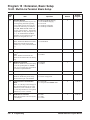
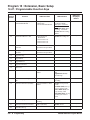
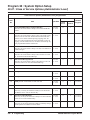
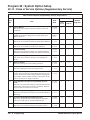
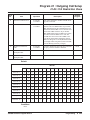
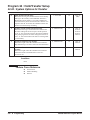
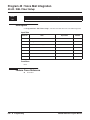
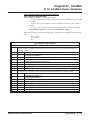
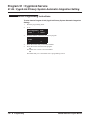
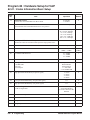
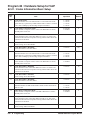
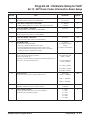
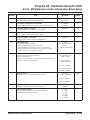
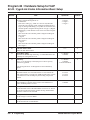
03
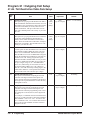
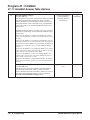
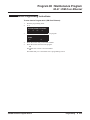
Extension Name Match
(Name Match)
Use this option to determine which portion of the extension’s
programmed name Directory Dialing will be used to route the
call. The setting you choose in this option depends on how you
set up 47-01-16 : IntraMail Basic Options - Name Format.
0 (first) or 1 (last)
0 (first)
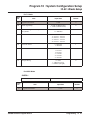
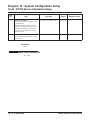
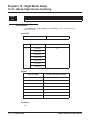
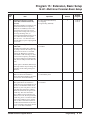
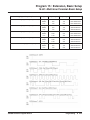
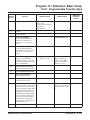
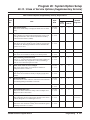
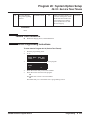
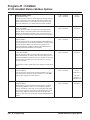
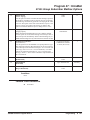
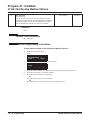
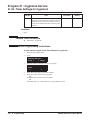
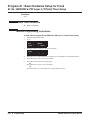
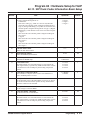
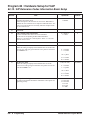
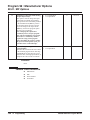
0 = Screened Transfer
1 = Unscreened Transfer
0
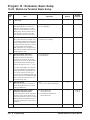
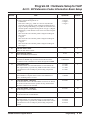
0 = no recall
1-255 seconds
15 (seconds)
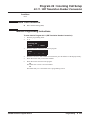
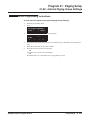
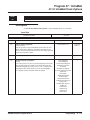
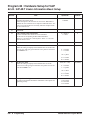
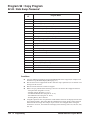
For example, if 47-01-16 was set to last/first (2) and 47-15-03
was set to first (1), an entered name of “Mary Jones” would be
routed by “Jones”, not “Mary”. If 47-01-16 was set to first/last
(1) and 47-15-03 was set to first (1), Directory Dialing would
route by “Mary”.
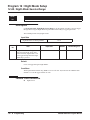
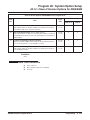
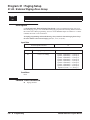
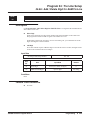
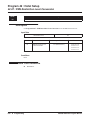
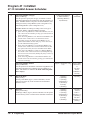
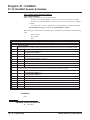
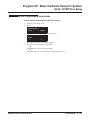
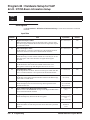
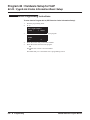
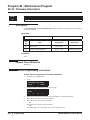
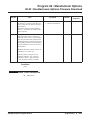
04
Unscreened or Screened Transfer
(Transfer Option)
Use this option to define the action Directory Dialing uses
when routing a call.
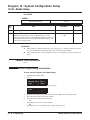
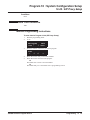
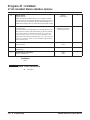
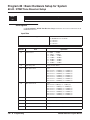
05
Screened Transfer Timeout
(Scrn Trf Timeout)
Use this option to set how long a Screened Transfer (STRF)
from the Directory Dialing Mailbox will ring an unanswered
extension before recalling.
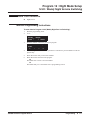
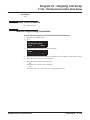
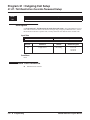
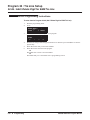
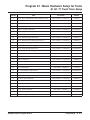
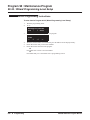
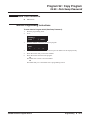
• The 24-02-04 : System options for Transfer - Transfer
Recall Time interval has no interaction with this timer.
UX5000 Software Program Manual
Programming ◆ 735