1
Program 20 : System Option Setup
20-11 : Class of Service Options (Hold/Transfer Service)
20-11 : Class of Service Options (Hold/Transfer Service)
Level:
IN
Feature Availability
•
Available.
Description
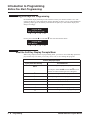
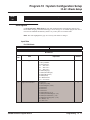
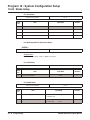
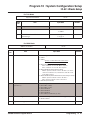
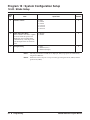
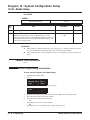
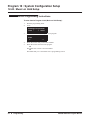
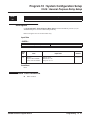
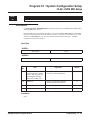
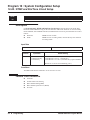
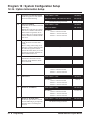
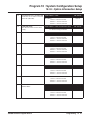
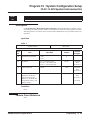
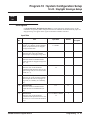
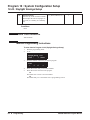
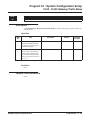
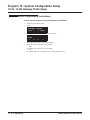
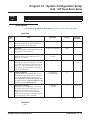
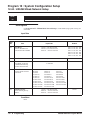
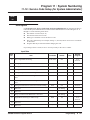
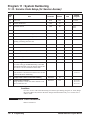
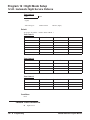
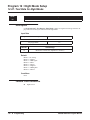
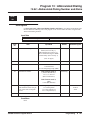
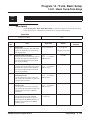
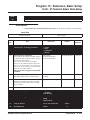
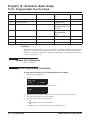
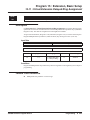
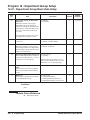
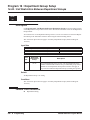
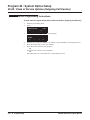
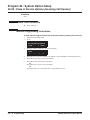
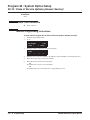
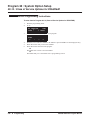
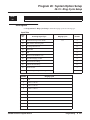
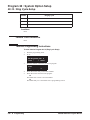
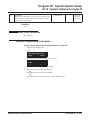
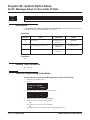
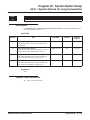
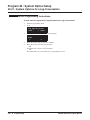
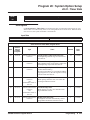
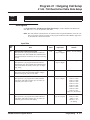
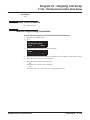
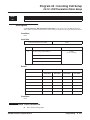
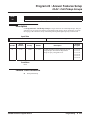
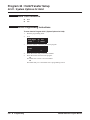
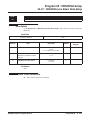
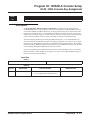
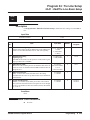
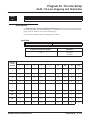
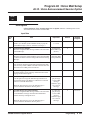
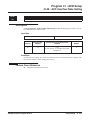
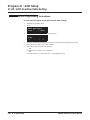
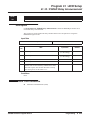
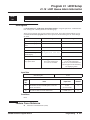
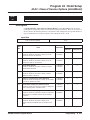
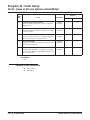
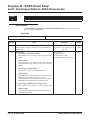
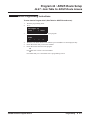
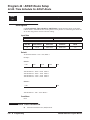
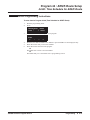
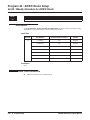
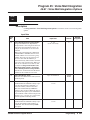
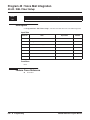
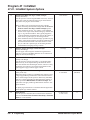
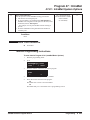
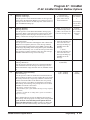
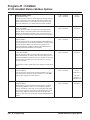
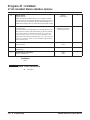
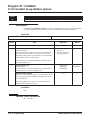
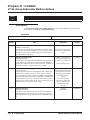
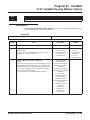
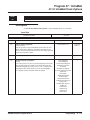
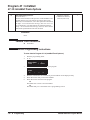
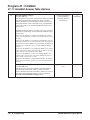
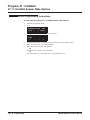
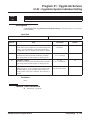
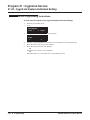
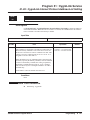
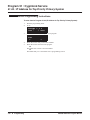
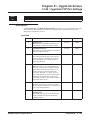
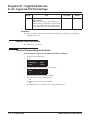
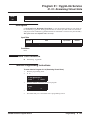
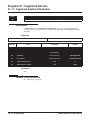
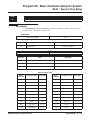
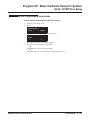
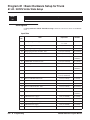
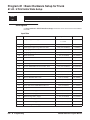
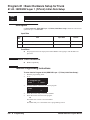
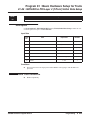
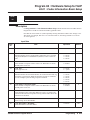
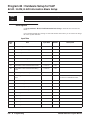
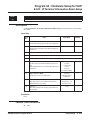
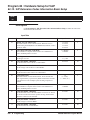
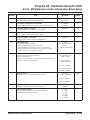
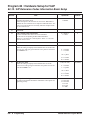
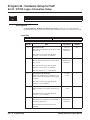
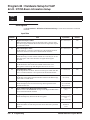
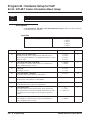
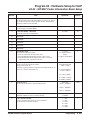
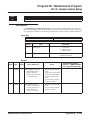
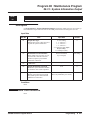
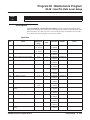
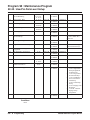
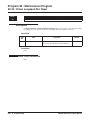
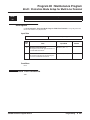
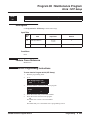
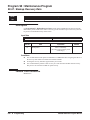
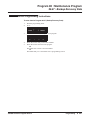
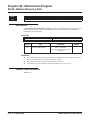
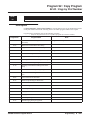
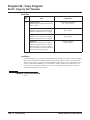
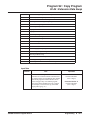
Use Program 20-11 : Class of Service Options (Hold/Transfer Service) to define the Hold and
Transfer feature availability for each extension’s Class of Service.
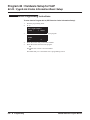
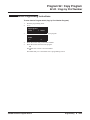
Input Data
Class of Service Number
01-15
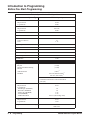
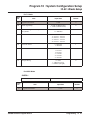
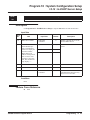
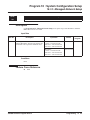
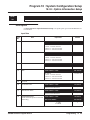
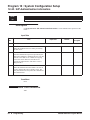
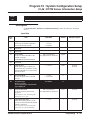
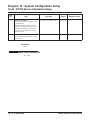
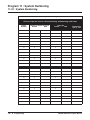
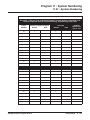
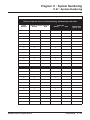
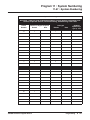
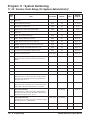
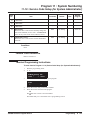
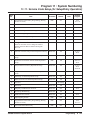
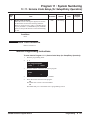
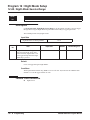
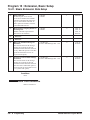
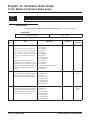
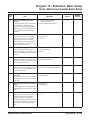
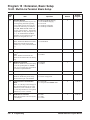
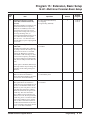
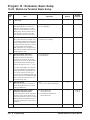
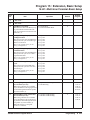
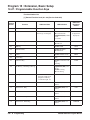
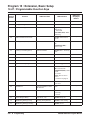
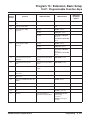
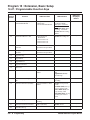
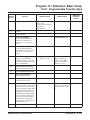
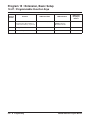
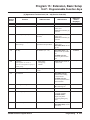
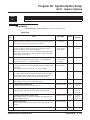
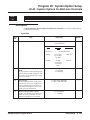
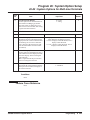
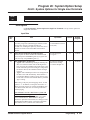
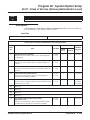
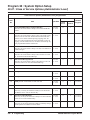
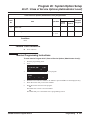
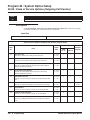
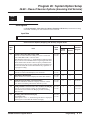
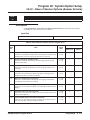
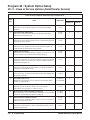
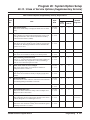
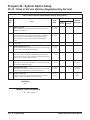
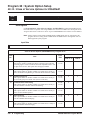
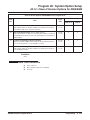
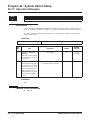
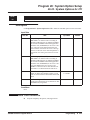
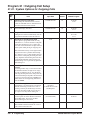
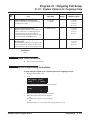
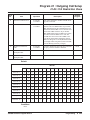
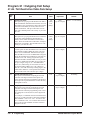
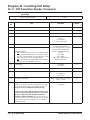
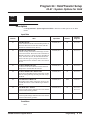
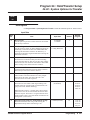
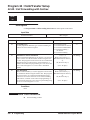
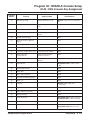
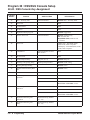
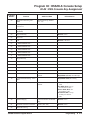
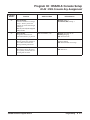
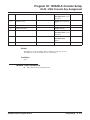
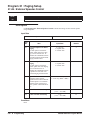
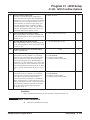
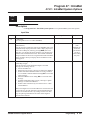
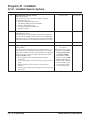
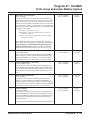
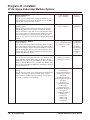
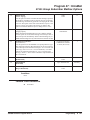
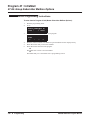
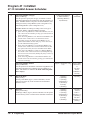
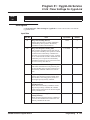
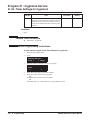
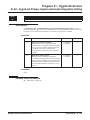
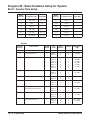
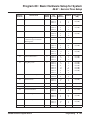
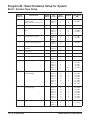
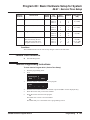
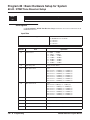
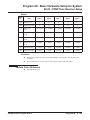
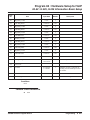
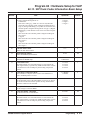
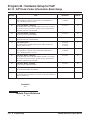
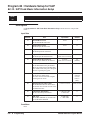
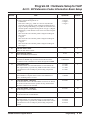
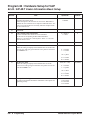
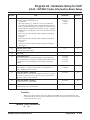
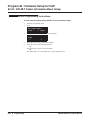
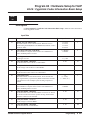
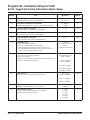
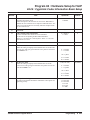
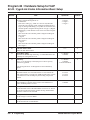
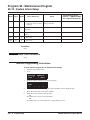
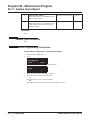
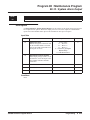
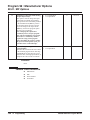
Class of Service Options (Answer Service), Program 20-11
Default
Item
No.
Item
Input Data
COS 01-14
COS 15
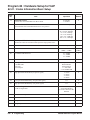
01
Call Forward Immediate
Turn off or on an extension’s ability to initiate Call Forwarding
Immediate.
0 = Off
1 = On
1
1
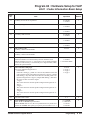
02
Call Forward When Busy
Turn off or on an extension’s ability to use Call Forward When Busy.
0 = Off
1 = On
1
1
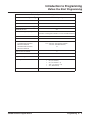
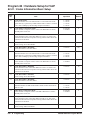
03
Call Forwarding When Unanswered
Turn off or on an extension’s ability to use Call Forward When
Unanswered.
0 = Off
1 = On
1
1
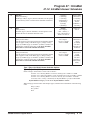
04
Call Forwarding (Both Ringing)
Turn off or on an extension’s ability to activate Call Forwarding with
Both Ringing.
0 = Off
1 = On
1
1
05
Call Forwarding with Follow Me
Turn off or on an extension’s ability to initiate Call Forwarding with
Follow Me.
0 = Off
1 = On
1
1
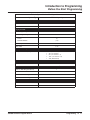
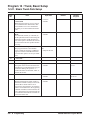
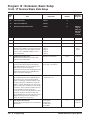
06
Unscreened Transfer
Turn off or on an extension’s ability to use Unscreened Transfer.
0 = Off
1 = On
1
1
07
Transfer Without Holding
Turn off or on an extension’s ability to use Transfer Without
Holding.
0 = Off
1 = On
0
0
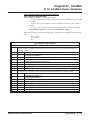
08
Transfer Information Display
Turn off or on an extension’s incoming Transfer pre-answer display.
0 = Off
1 = On
1
1
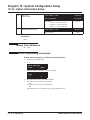
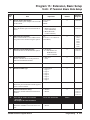
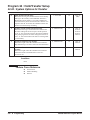
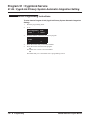
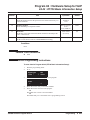
09
Group Hold Initiate
Turn off or on an extension’s ability to initiate a Group Hold.
0 = Off
1 = On
1
1
10
Group Hold Answer
Turn off or on an extension’s ability to pick up a call on Group Hold
0 = Off
1 = On
1
1
UX5000 Software Program Manual
Programming ◆ 315