1
Troubleshooting
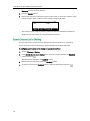
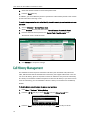
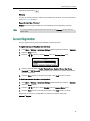
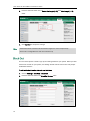
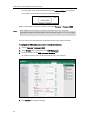
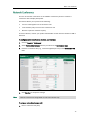
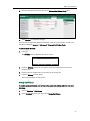
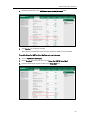
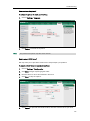
To export the phone configurations via web user interface:
1.
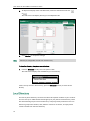
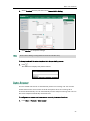
Click on Settings->Configuration.
2.
Click Export to open file download window, and then save the file to your local
system.
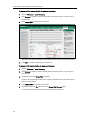
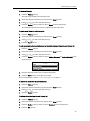
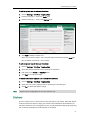
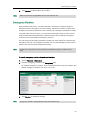
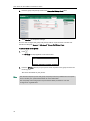
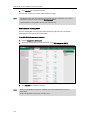
To import the phone configurations via web user interface:
Note
1.
Click on Settings->Configuration.
2.
Click Browse to locate a configuration file from your local system.
3.
Click Import to import the configuration file.
The file format of configuration file must be *.bin.
How to upgrade firmware?
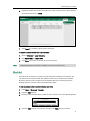
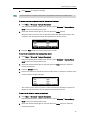
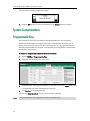
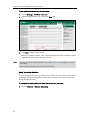
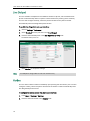
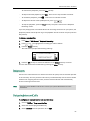
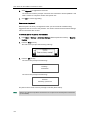
To upgrade firmware via web user interface:
1.
Click on Settings->Upgrade.
2.
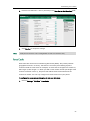
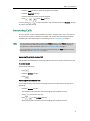
Click Browse to locate the required firmware from your local system.
105