1
Customizing Your Phone
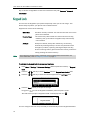
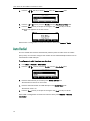
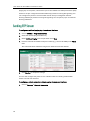
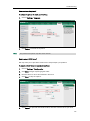
If Local Directory is removed from the directory, press Menu->Directory->Local
Directory to enter the local directory.
2.
Select the desired contact group.
3.
Press
4.
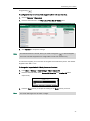
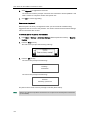
Press the Option soft key, and then select Delete from the prompt list.
or
to highlight the desired contact.
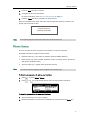
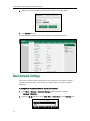
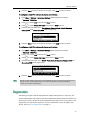
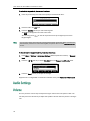
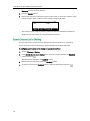
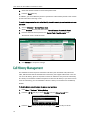
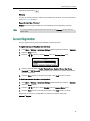
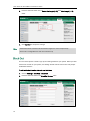
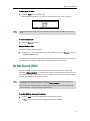
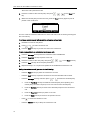
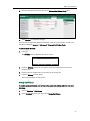
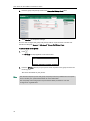
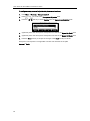
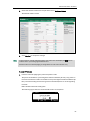
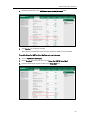
The LCD screen prompts the following warning:
5.
Press the OK soft key to confirm the deletion or the Cancel soft key to cancel.
You can also delete all contacts by pressing the Option soft key, and then select Delete
All.
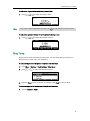
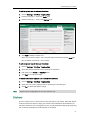
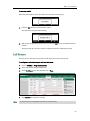
To place a call to a contact from the local directory:
1.
Press the Directory soft key.
The IP phone enters the local directory directly as there is only Local Directory
enabled in the directory by default.
If Local Directory is removed from the directory, press Menu->Directory->Local
Directory to enter the local directory.
2.
Select the desired contact group.
3.
Press
4.
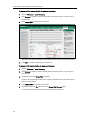
Do one of the following:
-
or
to highlight the desired contact.
If only one number for the contact is stored in the local directory, press the
Send soft key to dial out the number.
-
If multiple numbers for the contact are stored in the local directory, press the
Send soft key to display a list of numbers.
Press
or
to highlight the desired number.
Press the Send soft key to dial out the number.
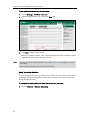
To search for a contact in the local directory:
1.
Press the Directory soft key.
The IP phone enters the local directory directly as there is only Local Directory
enabled in the directory by default.
If Local Directory is removed from the directory, press Menu->Directory->Local
37