1
12-4
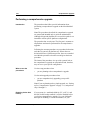
Change system serial number
What to do before you begin
What to do before you begin
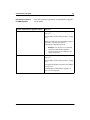
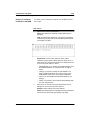
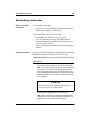
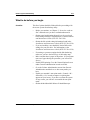
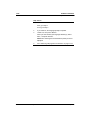
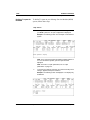
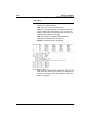
Checklist
This list of points should be followed before changing your
system serial number.
•
•
•
•
•
•
•
•
Standard 1.0
Before you continue, see Chapter 2, “Overview: read me
first” and make sure you have read and understood it.
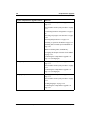
Perform a full backup of the database (a partial backup is
acceptable, but a full backup is recommended).
Make sure that there is paper in the printer. (If your printer
runs out of paper during the procedure, your screen will
freeze.)
Enable SEER printing. Go to the General Options Screen
under General Administration in order to do this.
Enable your terminal’s auto-print mode (<Control><W>
followed by <P>) in order to capture everything that
appears on your screen. If you have to reboot the system for
any reason, you will have to reenable the auto-print mode.
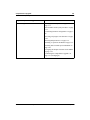
Disable disk to disk backup.
Obtain the Meridian Mail Release 12 Install/data tape.
Obtain a new keycode for the new serial number from your
Nortel representative.
System Installation and Modification Guide
January 1998