1
14-18
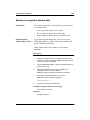
Software installation
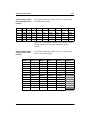
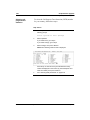
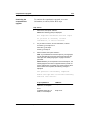
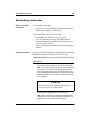
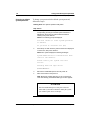
Performing a software installation
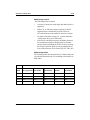
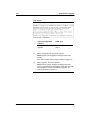
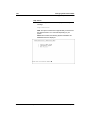
Step Action
3
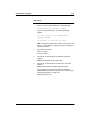
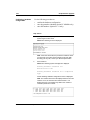
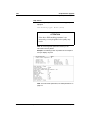
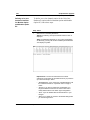
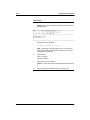
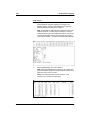
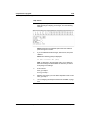
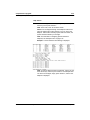
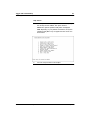
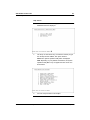
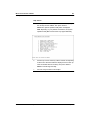
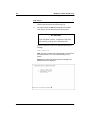
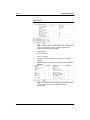
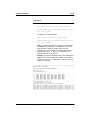
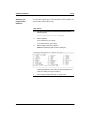
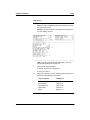
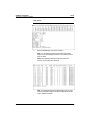
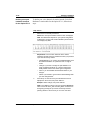
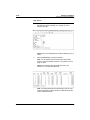
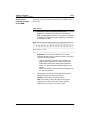
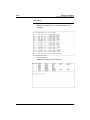
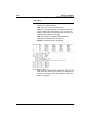
Is this correct?
If No, go to step 4.
If Yes, go to step 5.
4
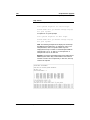
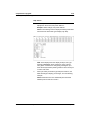
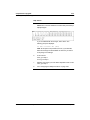
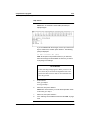
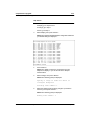
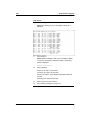
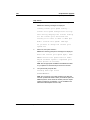
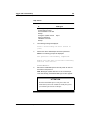
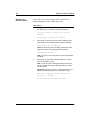
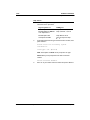
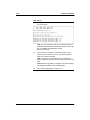
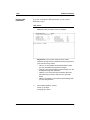
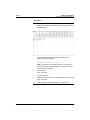
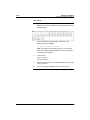
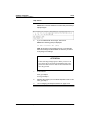
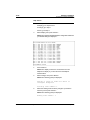
If you select No, the language prompt is repeated.
5
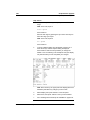
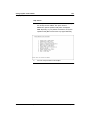
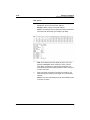
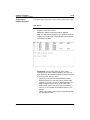
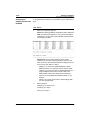
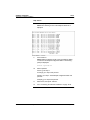
Select Yes, then press <Return>.
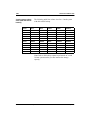
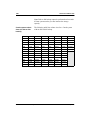
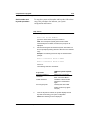
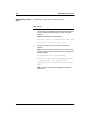
When you have finished your language selection(s), select
Done, and press <Return>.
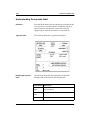
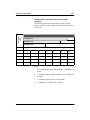
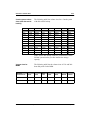
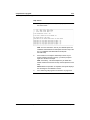
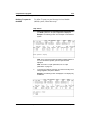
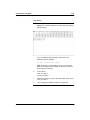
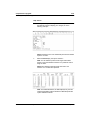
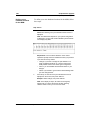
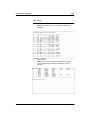
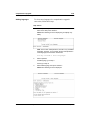
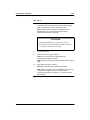
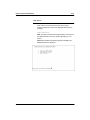
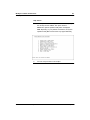
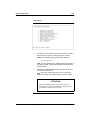
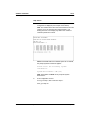
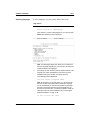
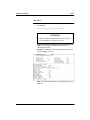
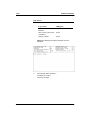
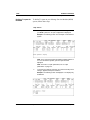
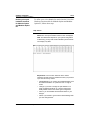
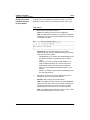
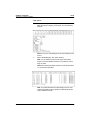
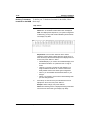
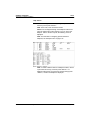
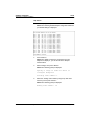
Result: The Call Progress Tone Detection (CPTD) screen is
displayed.
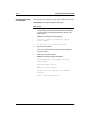
6
Standard 1.0
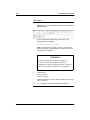
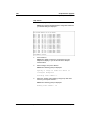
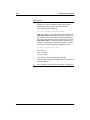
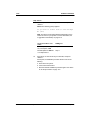
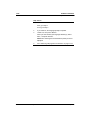
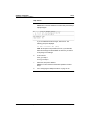
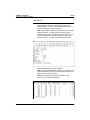
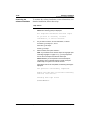
Go to “Selecting call progress tone detection” on page 14-19.
System Installation and Modification Guide
January 1998