1
SOUND CONTROL
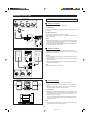
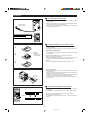
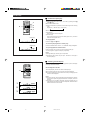
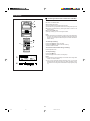
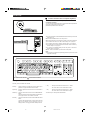
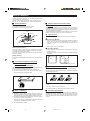
H Volume
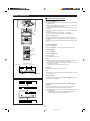
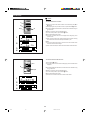
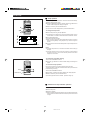
Press the VOLUME button to increase the volume and the VOLUME
button to decrease the volume.
I The volume display can be changed within the range of "0" to "10".
VOLUME
VOLUME
Volume level
(0 to 10)
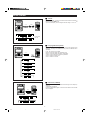
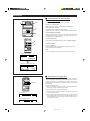
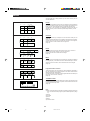
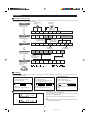
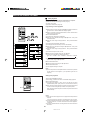
H Pre-programmed equalizer
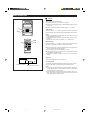
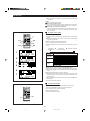
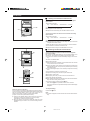
When the PRE-EQ button is pressed, the current mode setting will be
displayed. To change to a different mode, press the PRE-EQ button
repeatedly.
FLAT: The sound is not modified.
HEAVY-2: Bass and treble are emphasized a lot.
HEAVY-1: Bass and treble are slightly emphasized.
VOCAL: Vocals (midrange tones) are emphasized.
SOFT-2: Treble is reduced a lot.
SOFT-1: Treble is cut a little.
PRE-EQ
PRE-EQ
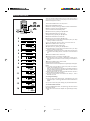
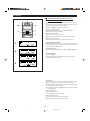
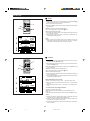
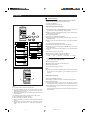
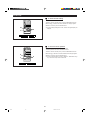
H Extra bass (X-BASS)
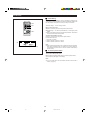
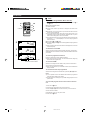
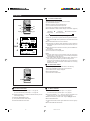
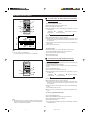
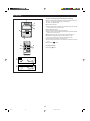
Press the X-BASS button to emphasize the bass region of the frequency
spectrum.
"X-BASS ON" will appear.
Press the X-BASS button again to cancel the extra bass mode. "X-BASS
OFF" will appear.
X-BASS
X-BASS
7
*01-21
7
98.6.23, 10:09 AM