1
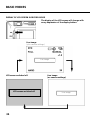
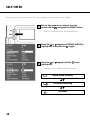
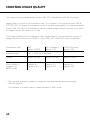
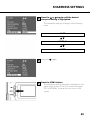
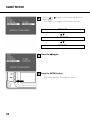
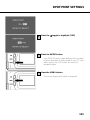
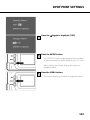
CHOOSING IMAGE QUALITY
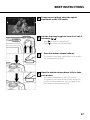
4
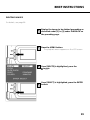
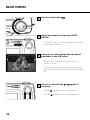
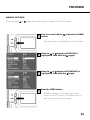
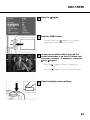
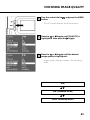
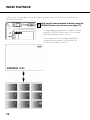
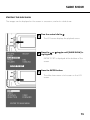
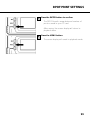
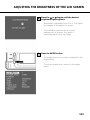
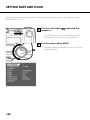
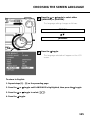
Press the
toggle.
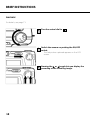
5
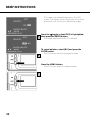
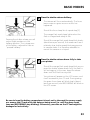
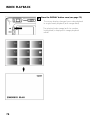
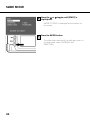
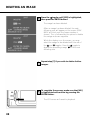
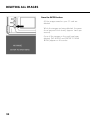
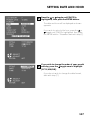
Press the MENU button.
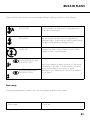
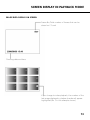
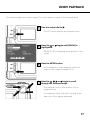
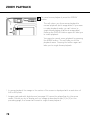
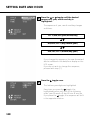
• The image quality selected is displayed in the
upper right-hand corner of the LCD screen (see
page 35).
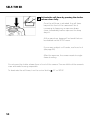
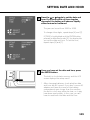
* You are free to save images of different quality on one and the same CF card.
* Image-quality settings are retained even when the camera is switched off.
* Changing the image-quality setting affects the number of pictures remaining per CF card.
This is reduced, above all, by FINE mode. We therefore suggest that you watch the number
of remaining images very closely.
62