1
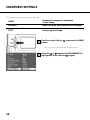
SHARPNESS SETTINGS
3
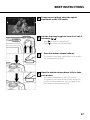
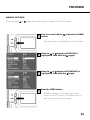
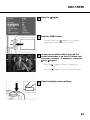
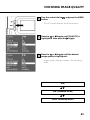
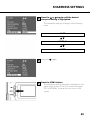
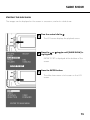
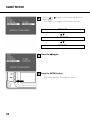
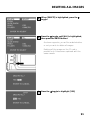
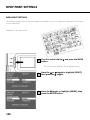
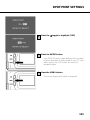
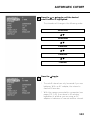
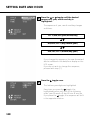
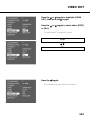
Press the or toggle until the desired
sharpness setting is highlighted.
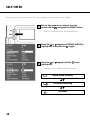
• The sharpness settings change in the following
order:
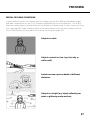
HARD
NORMAL
SOFT
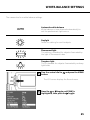
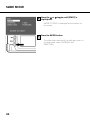
4
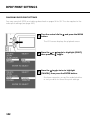
Press the
toggle.
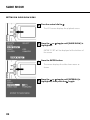
5
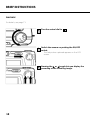
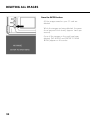
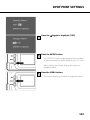
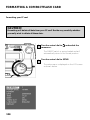
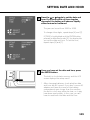
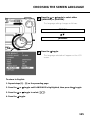
Press the MENU button.
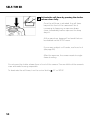
• The sharpness setting selected is displayed in the
upper right corner of the LCD screen (see page
35). In NORMAL, there will be no icon on the
screen.
69