1
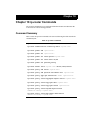
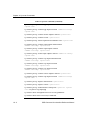
Chapter 29: qos Commands
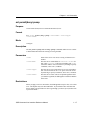
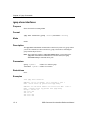
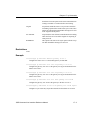
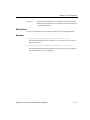
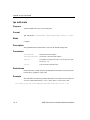
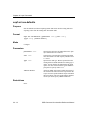
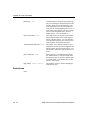
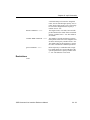
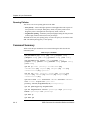
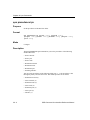
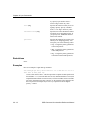
• high – Assigns high priority to the IP
flow parameters you have specified.
• medium – Assigns medium priority to
the IP flow parameters you have specified.
• low – Assigns low priority to the IP
flow parameters you have specified.
This is the default.
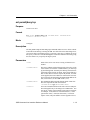
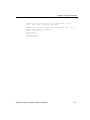
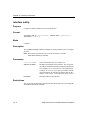
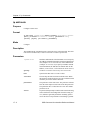
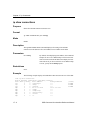
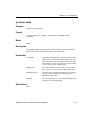
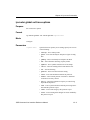
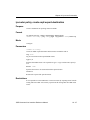
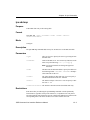
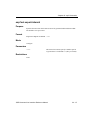
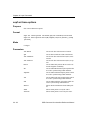
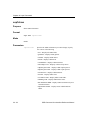
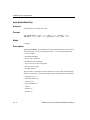
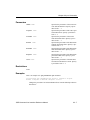
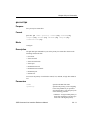
<srcnet>|any
Specifies the IPX source network and
node address. Specify them in the following format:
<netaddr>.<macaddr>; for example:
a1b2c3d4.aa:bb:cc:dd:ee:ff.
If you specify any instead of a
.<macaddr>, the SSR assumes a wildcard value. All MAC addresses are then
valid.
29 - 12
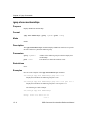
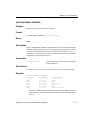
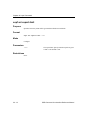
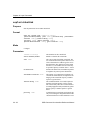
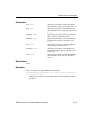
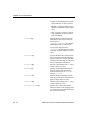
<srcmask>|any
Specifies the IPX source network mask.
Specify the mask in hexadecimal digits.
If you do not specify a mask value and
instead use the value any, the SSR internally sets the mask to FFFFFFFF.
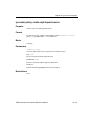
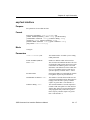
<srcport>|any
Specifies a port number from 1 – 65535
or any to allow any value.
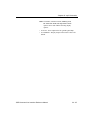
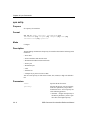
<dstnet>|any
Specifies the IPX destination network
and node address. The same requirements and restrictions for <dstaddr>
apply to <srcaddr>.
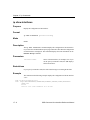
<dstmask>|any
Specifies the IPX destination network
mask. Specify the mask in hexadecimal
digits or any to allow any value.
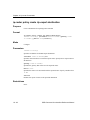
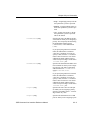
<dstport>|any
Specifies a port number from 1 – 65535
or any to allow any value.
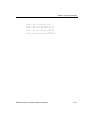
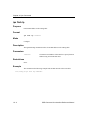
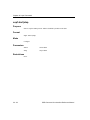
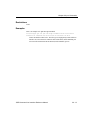
<interface-list>|any
Specifies one or more IPX interface
names for which you are assigning priority. If you specify a list, delimit the interface names with commas.
SSR Command Line Interface Reference Manual