1
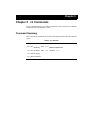
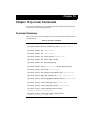
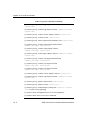
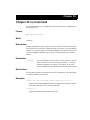
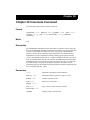
Chapter 36: stp Commands
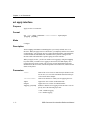
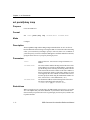
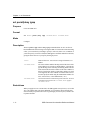
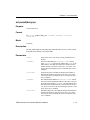
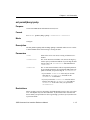
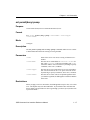
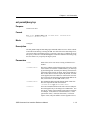
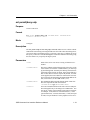
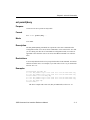
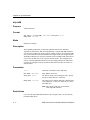
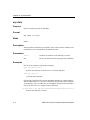
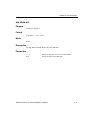
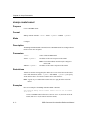
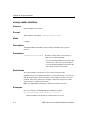
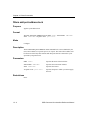
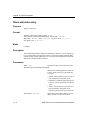
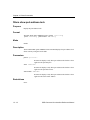
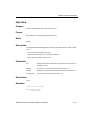
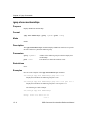
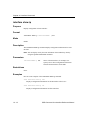
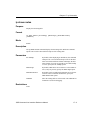
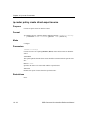
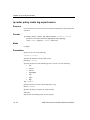
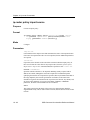
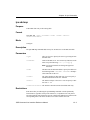
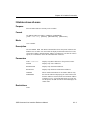
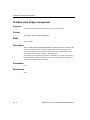
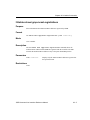
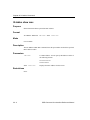
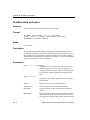
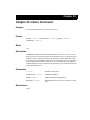
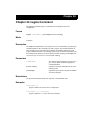
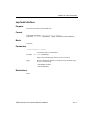
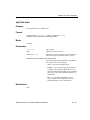
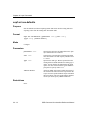
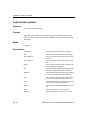
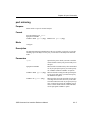
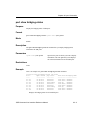
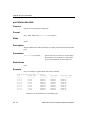
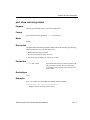
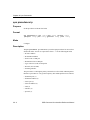
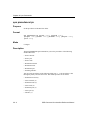
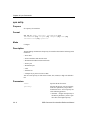
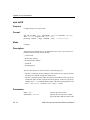
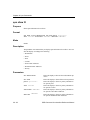
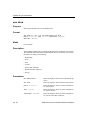
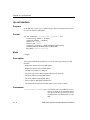
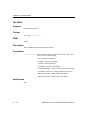
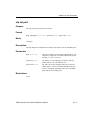
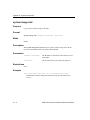
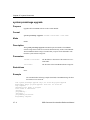
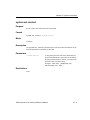
stp set port
Purpose
Set STP port priority and port cost for ports.
Format
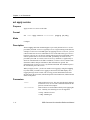
stp set port <port-list> priority <num> port-cost <num>
Mode
Configure
Description
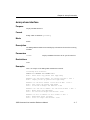
The stp set port command sets the STP priority and port cost for individual ports.
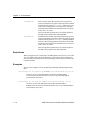
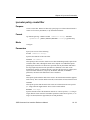
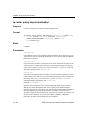
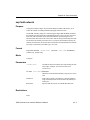
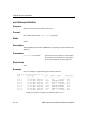
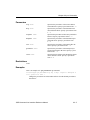
Parameters
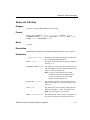
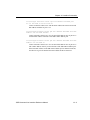
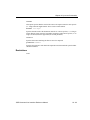
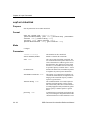
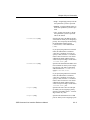
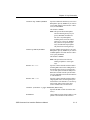
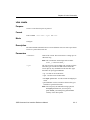
port <port-list>
The port(s) for which you are setting STP parameters. You
can specify a single port or a comma-separated list of ports.
Example: et.1.3,et.(1-3).(4,6-8).
priority <num>
The priority you are assigning to the port(s). Specify a
number from 0– 255. The default is 128.
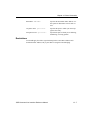
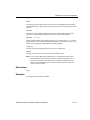
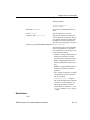
port-cost <num>
The STP cost you are assigning to the port(s). Specify a
number from 1– 65535. The default depends on the port
speed: 1 for Gigabit (100-Mbps) ports, 10 for 100-Mbps
ports, and 100 for 10-Mbps ports.
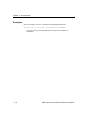
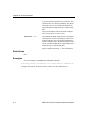
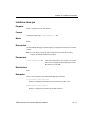
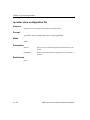
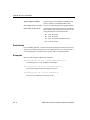
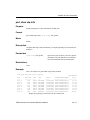
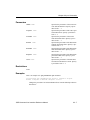
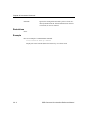
Restrictions
None.
SSR Command Line Interface Reference Manual
36 - 5