1
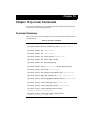
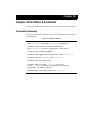
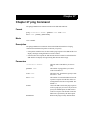
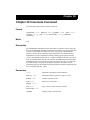
Chapter 28: port Commands
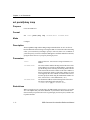
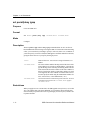
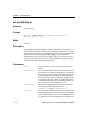
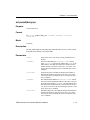
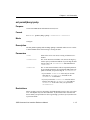
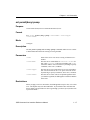
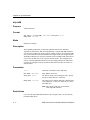
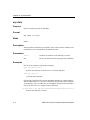
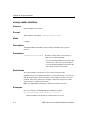
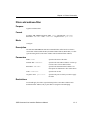
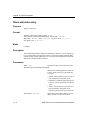
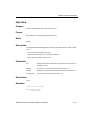
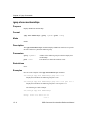
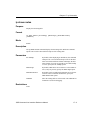
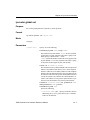
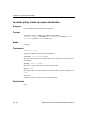
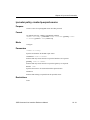
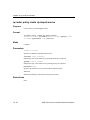
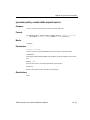
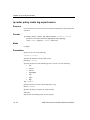
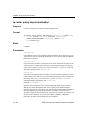
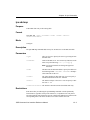
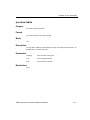
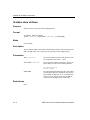
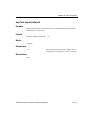
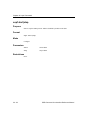
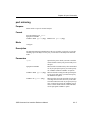
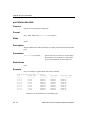
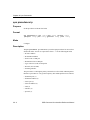
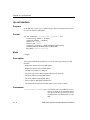
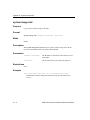
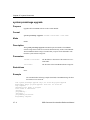
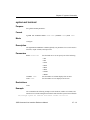
port set
Purpose
Set port operating mode and port speed.
Format
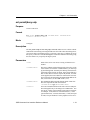
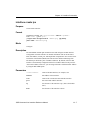
port set [<port-list>|all-ports] [duplex full|half]
[speed 10Mbps|100Mbps] [auto-negotiation on|off]
[hash-mode m0|m1|m2|m3]
Mode
Configure
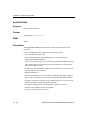
Description
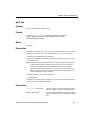
Depending on the media type of a port, the port set command lets you set various
parameters of each port. For 10/100-Mbps Ethernet, you can set the following:
• Operating mode (half-duplex or full-duplex).
• Port speed (10-Mbps or 100-Mbps). This parameter applies only to ports on the
10/100 line cards.
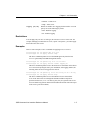
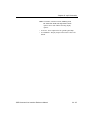
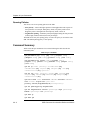
Note: By default, all ports use autosensing to detect the operating mode and speed
of the network segment to which they are connected. If you use this command to set a port parameter, the setting disables autosensing for that
parameter on the port. For example, if you set the speed of a segment to 10Mbps, that segment no longer uses autosensing for the port speed and will
always attempt to operate at 10-Mbps.
For Gigabit Ethernet, you can set the following:
• Auto-negotiation
In addition to the media specific parameters, you can also set the hash mode for all
media types using the port set command.
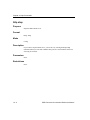
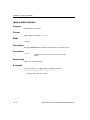
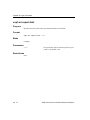
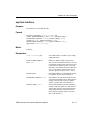
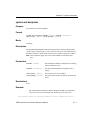
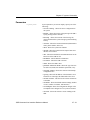
Parameters
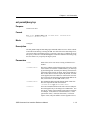
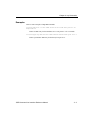
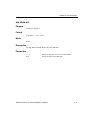
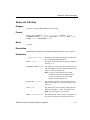
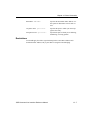
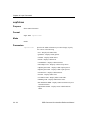
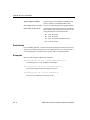
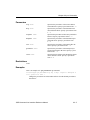
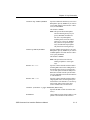
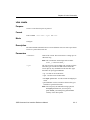
<port-list>|all-ports
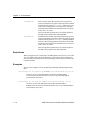
Specifies the ports. The all-ports keyword applies the settings you select to all the SSR ports.
duplex full|half
Sets the operating mode to half duplex or full duplex. This option is valid for 10/100 Mbps Ethernet
only.
SSR Command Line Interface Reference Manual
28 - 7