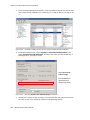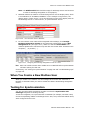
1
Configuring Calling Restrictions
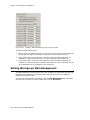
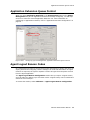
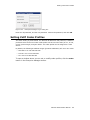
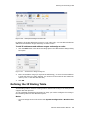
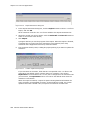
Enabling Message Notification
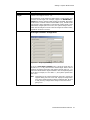
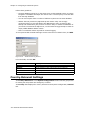
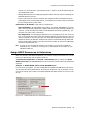
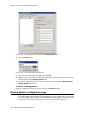
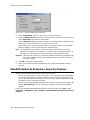
After configuring your message notification settings, to enable message notification,
check the Allow Extension User to Configure Forwarding, Notification and
Reminder Call to an Outside Number check box on the Restriction tab of Extension
Configuration.
Configuring Calling Restrictions
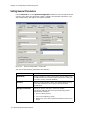
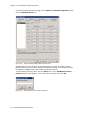
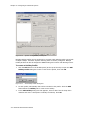
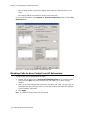
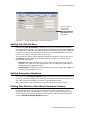
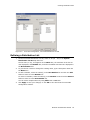
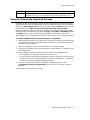
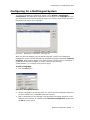
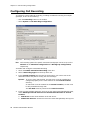
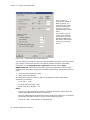
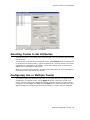
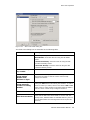
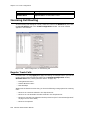
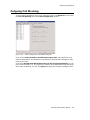
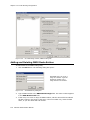
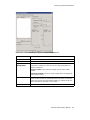
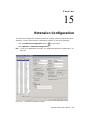
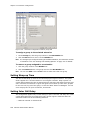
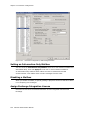
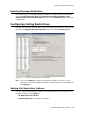
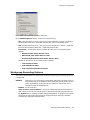
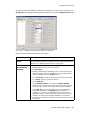
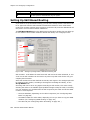
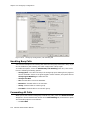
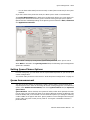
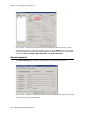
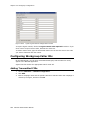
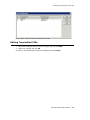
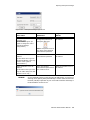
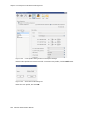
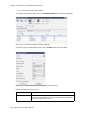
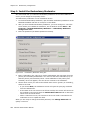
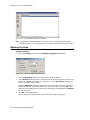
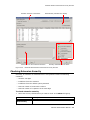
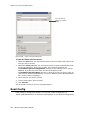
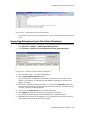
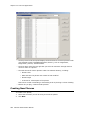
To work with extension call restrictions, select the extension number you want to work
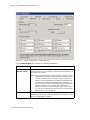
with from the Agent/Supervisor/Extension list, then click the Restriction tab.
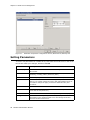
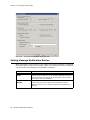
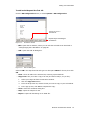
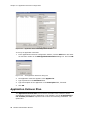
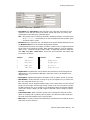
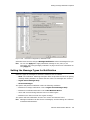
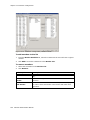
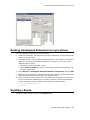
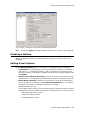
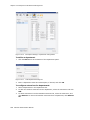
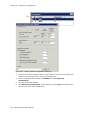
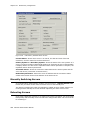
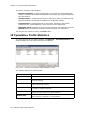
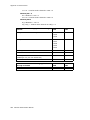
Figure 15-9.
Extension Configuration, Restriction tab
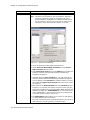
Note: You can use Apply to to apply call restriction settings to one, some, or all
extensions. See “Using the Apply To Button” on page 124 for more information on
using Apply to.
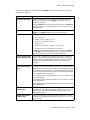
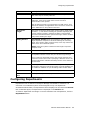
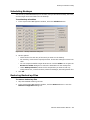
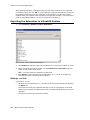
Setting Call Restriction Options
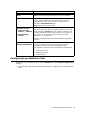
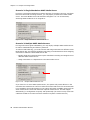
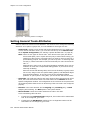
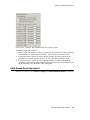
You can use one of the following options in setting restrictions on an extension or on
multiple extensions using Apply to.
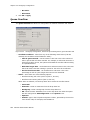
• No Restrictions on Outcalls
• Internal Calls Only—extension-to-extension.
MaxACD Administrator Manual
137